
If there’s a new browser, email app, or note-taking app to try, chances are I’ve already installed it. Like every other productivity nerd, I’m always chasing the perfect setup. That’s how I stumbled upon Quiche Browser. It was already close to replacing the Arc Search for me on the iPhone, but its latest update finally pushed it over the edge, earning it a spot as my default browser.
What makes Quiche so good
Quiche Browser is developed by a solo indie developer named Greg de J, who runs it under Quiche Industries. The headline feature of Quiche is its customizability. Nearly every button in Quiche can be moved, rearranged, or removed entirely, both in the bottom toolbar and the main menu. If that sounds like too much tinkering, the Toolbar Gallery gives you ready-made presets to start from, so you can go minimal or fully loaded without building anything from scratch.
The tab switcher is another strength for this app. I can view your tabs as a grid or a list. I like that Quiche will even estimate how long an article takes to read, showing that time right under the tab title. I can group the tabs by domain or sort by read time, which honestly makes the browser feel like it doubles as a read-later app if you let it.
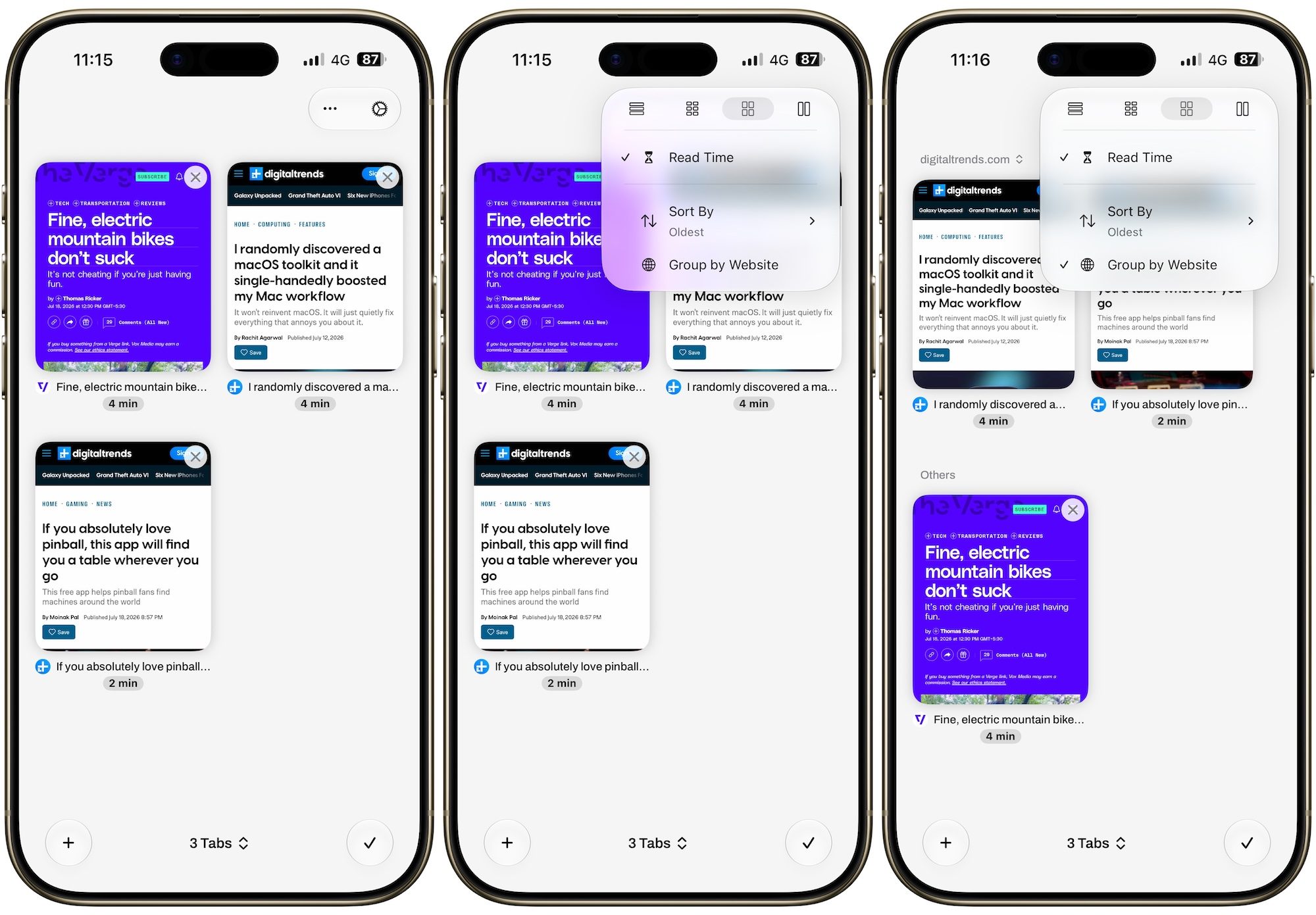
One of my favorite features of Quiche Browser is the JavaScript toggle that sits right in the toolbar. With a single tap, I can kill JavaScript on whatever site I am visiting, and it is wild how much snappier and cleaner most pages become the moment you do it.
The feature that sealed the deal
All of that alone would be enough to recommend Quiche, but here is the part that really got me excited. Quiche now disables AI overviews in your search results by default, right out of the box.
The moment you search using Google, DuckDuckGo, Bing, or other default search engine, Quiche quietly sends you to the AI-free version of those results instead. There is no content blocker trick involved either. You still get the real, unfiltered list of links, just without a giant AI summary taking over the top of your screen before you even see a single website.
Several studies have revealed how AI search overviews are harmful, sometimes delivering outright wrong information. A recent report from Common Sense Media even called it out for failing a major kids’ safety test. Not to mention that these summaries are causing harm to website authors and publishers whose work is scraped without compensation. So this feature alone was enough to make Quiche my default iPhone browser.
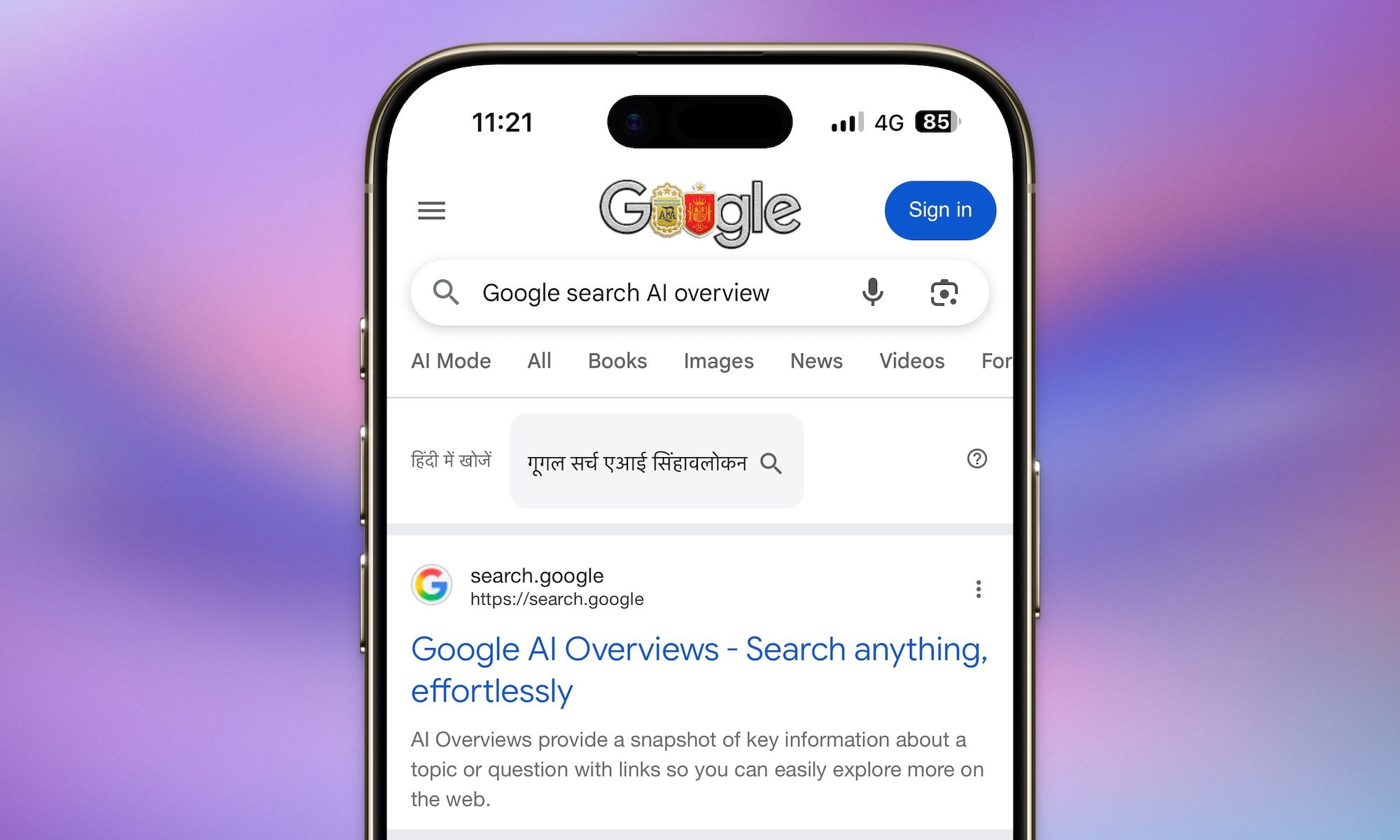
If you actually want AI overviews back, you can turn them on again from Settings, then Search. But I love that the default here favors real websites made by real people. Search results have gotten so cluttered with AI-generated summaries that actual pages keep getting pushed further down, and Quiche taking a stand on that feels like a small but meaningful win for anyone who still loves browsing the actual web.