

Between credit cards, store loyalty cards, and identification cards, our wallets are on the beefier side these days — and it makes digging through them to find the one correct card a real chore. Wouldn’t it be nice if you could just show someone or scan your phone instead?
Well, now you can if you have an Android smartphone. Following on from Apple, Google Wallet now allows you to upload your driver’s license or state ID into your Google Wallet account, giving you a quick and easy way to show your credentials when needed. If you live in certain states in the U.S., that is.
You’ll still have to carry the physical copies of these cards on you anyway, just in case further validation is needed. But even with that in mind, it’s a great time-saving measure for when you don’t want to have to dig cards out of your wallet, purse, or bag. Here’s how to add your ID or driver’s license to Google Wallet.
Have an iPhone? Here’s how to add your driver’s license to Apple Wallet
How to add your ID or driver’s license to Google Wallet
Before you’re able to add your driver’s license or state ID to Google Wallet, you’ll need to make sure you meet the device requirements. They’re not particularly onerous, though, so don’t worry. You just need an Android device running Android 8.0 Oreo or later (so almost everyone with a phone bought in the last half-decade). Then be sure to have Bluetooth and Nearby Devices on. Finally, you need to have one of the methods of screen lock enabled.
Once your phone is ready, it’s time to get started.
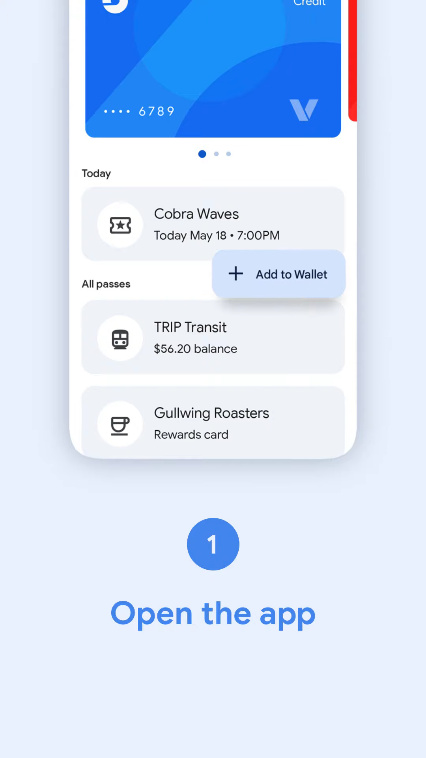
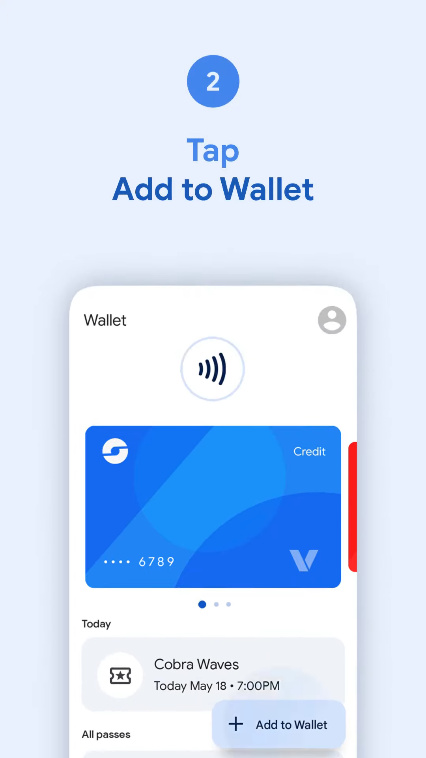
Step 1: Open Google Wallet and choose Add to Wallet.
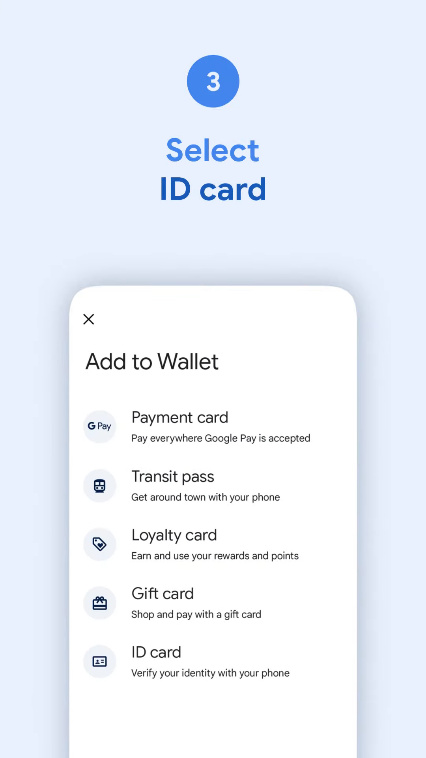
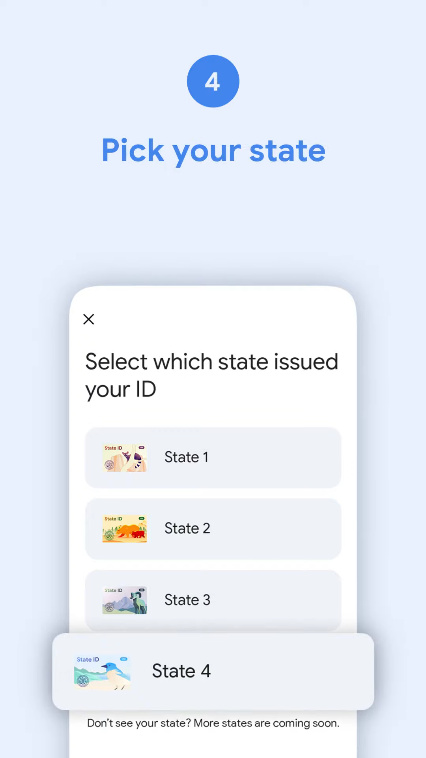
Step 2: Select ID card, and then select your state.
Step 3: You’ll now enter the verification steps. Start by choosing Continue and then scan the front and back of your ID card.
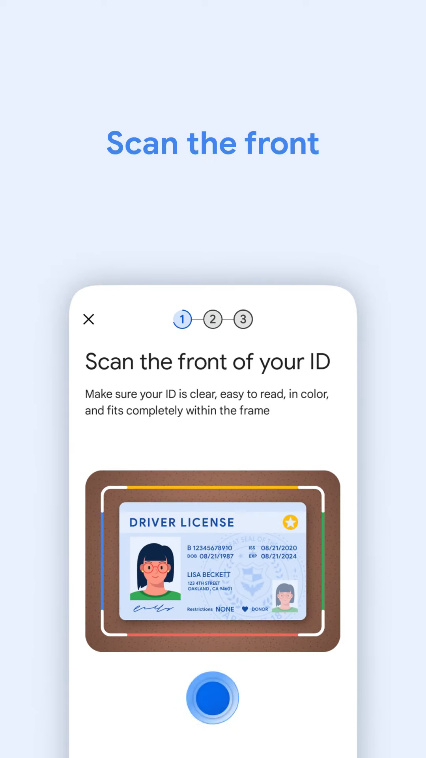
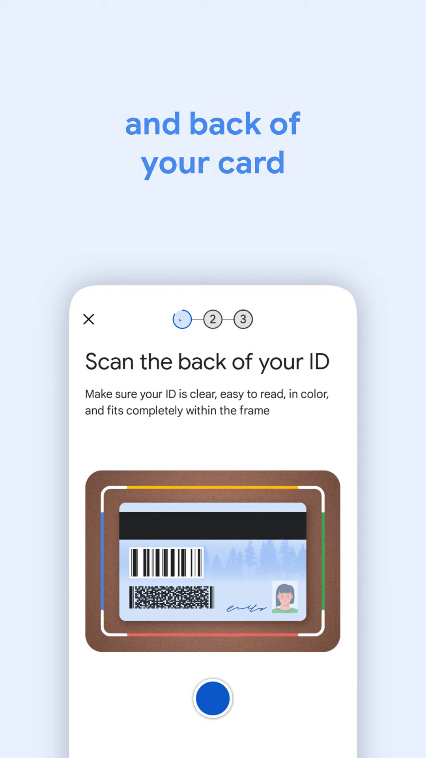
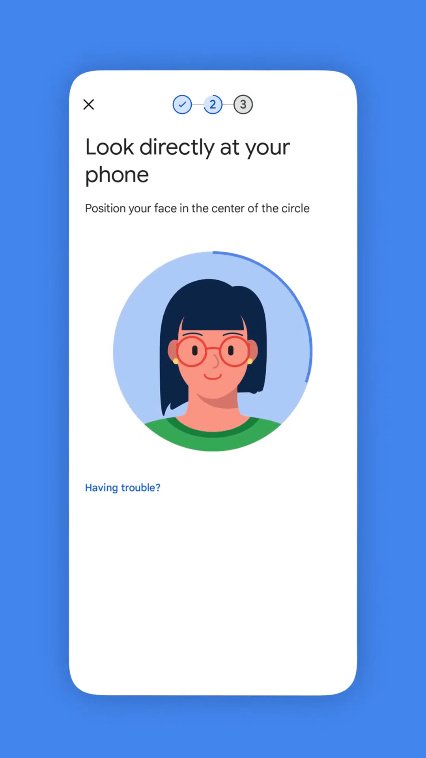
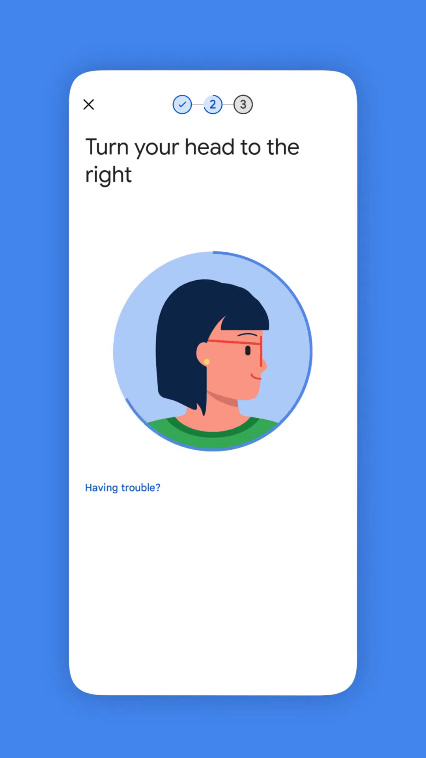
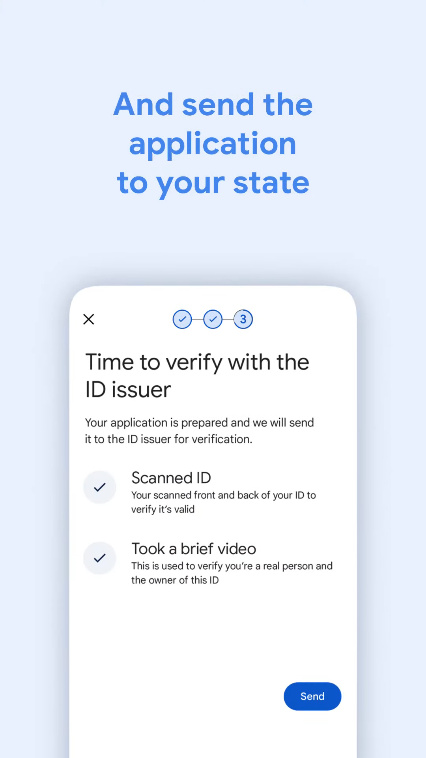
Step 4: Now, you’ll be asked to record a short video showing you looking straight on, to one side, and up. Select Send.
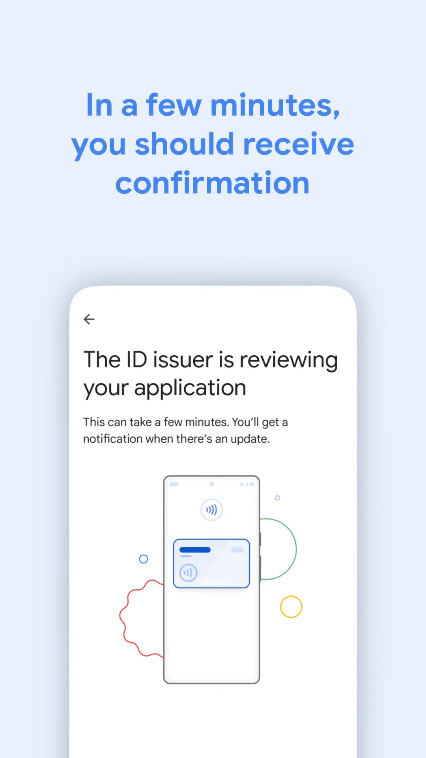
Step 5: Google will send your data to your state authority for verification, and estimates it should only take a few minutes to be verified.
How to remove your ID or license from Google Wallet
Because your ID card is only stored locally on your device, it’s not vulnerable to hacking into cloud storage or anything similar. However, if you’ve tried it out and found it’s not for you — or you just aren’t comfortable with having your ID card on your phone — then you can remove it.
Step 1: Start by opening your Google Wallet, and then find and select your ID card.
Step 2: Choose the “More” menu in the top-right corner (it looks like three vertical dots), then choose Remove > Remove.
You can remove your Google Wallet ID remotely, too, by following these steps.
Step 1: Head to the Google My Account page.
Step 2: Choose Personal info > Digital ID.
Step 3: Select Manage digital ID and choose Delete next to the ID you want to remove.
Step 4: Confirm the deletion, and it’s gone.
What you can do with your Google Wallet ID
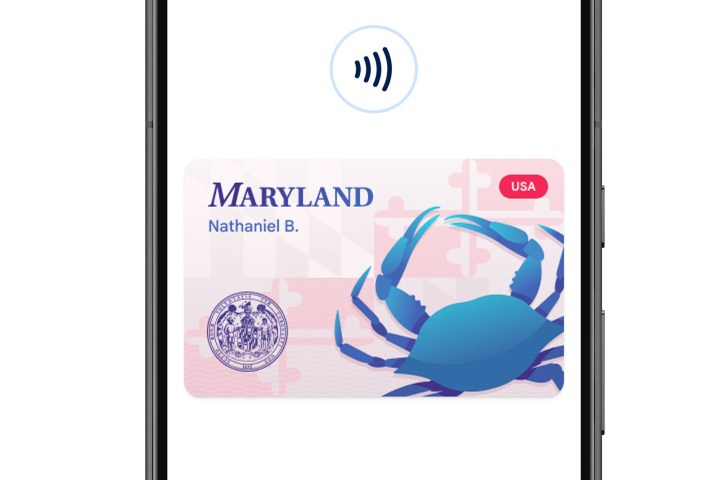
At the moment, this feature is part of a limited rollout and isn’t available in a lot of places. At the time of writing, the use of ID cards through Google Wallet is accepted in the U.S. state of Maryland, and by the Transportation Security Administration (TSA) in a number of supporting airports.
In order to use your ID card, you can either use NFC to scan it the same way you’d pay with Google Wallet, or you can have it come up on your screen as a QR code to be scanned by an official.

Which states support Google Wallet virtual IDs?
At the moment, extremely few. Maryland is the only state where Google Wallet’s ID card system is accepted as valid ID, though you can use it at a number of TSA checkpoints at certain airports. It’s confirmed that Arizona, Colorado, and Georgia will get support “in the coming months.”
Expect the feature to come to more U.S. states and airports in the future, and we’ll update this guide as more areas become eligible.
Editors’ Recommendations