

Whether you’re looking to cancel ESPN Plus because you’re balancing the budget or it isn’t being used in the offseason, you may be wondering how to cancel the streaming service. Here’s how to get it done fast, with tips on canceling through Google Play, Apple, or Roku as needed.
Note: ESPN+ does not offer refunds or credits for partially used billing periods. Your current month’s fees are already gone for good — but if you want to save money next month, it’s important to act now.
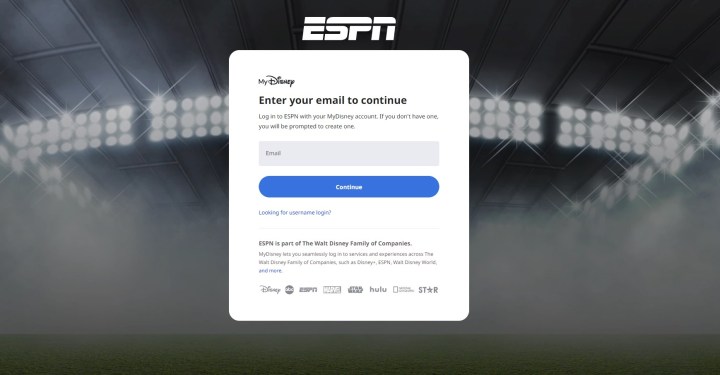
Cancel ESPN+ on your web browser
This method is designed for those who signed up directly on the ESPN+ website. It’s simple and direct.
Step 1: Head to your login page and log in with your ESPN+ information.
Step 2: Select your Profile icon in the upper-right corner of the ESPN+ screen.
Step 3: Select your ESPN+ Subscription from the Manage My section.
Step 4: Select Manage Subscription
Step 5: Select Cancel Now and and ESPN+ will be canceled.
Note that ESPN+ will generally remember your login information even after your cancellation. This will allow you to reactivate an ESPN+ subscription in the future. That may be an attractive option if you are only interested in signing up for a specific season, so keep your login information around for next time.
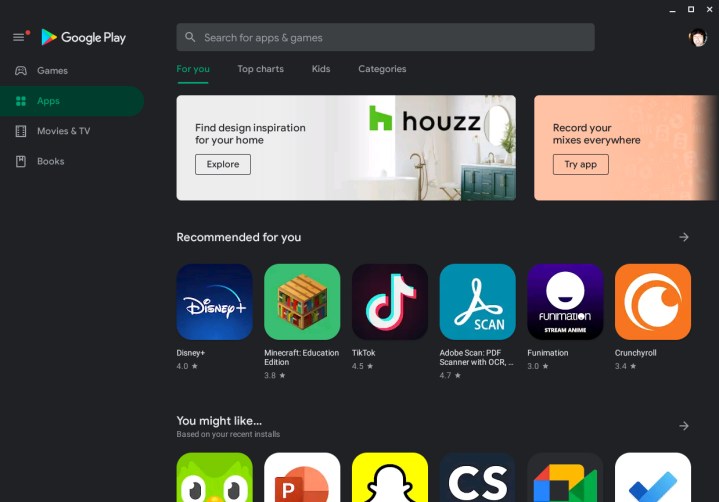
Cancel ESPN+ with the Google Play Store
Did you sign up through your Android device or download and subscribe to the app from the Google Play Store? Here’s how to quickly unsubscribe the same way.
Step 1: Open the Google Play Store app on your Android device (you can also do this from other devices, although the steps may vary slightly).
Step 2: Select your Profile picture in the top-right corner and select it, then select Payments & Subscriptions.
Step 3: Select Subscriptions.
Step 4: You should now be able to see all your current subscriptions. Select ESPN+ from the list.
Step 5: Select Cancel Subscription to end the service and stop payments.
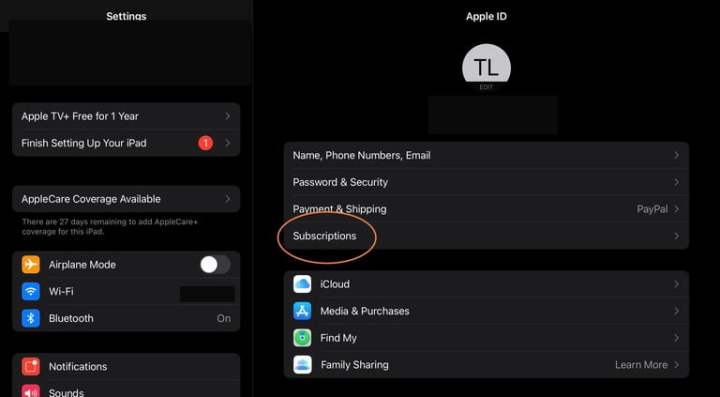
Cancel ESPN+ with Apple / iOS
Those who signed up through Apple’s interface on an iOS device can quickly cancel ESPN+ in the same way. We have a full guide to canceling Apple subscriptions this way, but if you want the quick details, here’s what to do.
Step 1: Open the Settings app on your iOS device.
Step 2: At the top, select your Name to see your Apple ID settings. You may need to sign in to your Apple account at this point.
Step 3: Choose Subscriptions from the first menu at the top of your profile.
Step 4: The new window should now show your current subscriptions through Apple. Select ESPN+ to continue.
Step 5: Select Cancel Subscription and confirm that’s what you want to do.
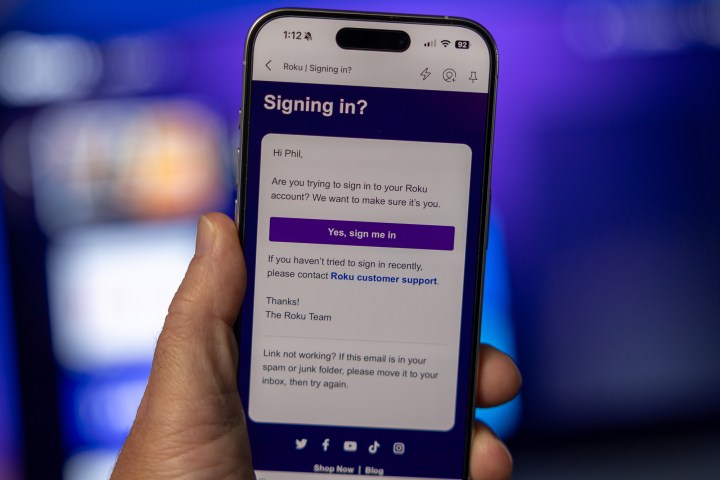
Cancel ESPN+ with Roku
Those who signed up via Roku can also choose to cancel the same way. Here’s how to do it:
Step 1: Head to the Roku login page and log in with your information. It’s easiest to do this on your computer with this link, but you can also manage subscriptions from your Roku platform on your TV.
Step 2: Select Manage Your Subscriptions from the menu.
Step 3: View your subscriptions and their terms to find ESPN+. Select Unsubscribe next to the app.
Step 4: Confirm that you want to end your ESPN+ subscription.

Bundling options for ESPN+
ESPN+ is only available to bundle in the Disney Trio, where you’ll also get access to Disney+ and Hulu. The Disney Trio Basic includes access to all three streaming services for just $15. However, if you want an ad-free experience on Hulu and Disney Plus, you’ll need to snag the Disney Trio Premium Bundle, which comes in at $25 monthly. We have a guide on what you should know about this particular bundle before you buy.