
Android 17 is packed with new features, but one small addition might end up mattering more than the flashy ones. It’s called Eclipsa Video, and its whole purpose boils down to this: your HDR videos should finally look the way they’re supposed to, regardless of which screen you’re staring at.
Why does HDR look different on every screen?
If you’ve ever noticed the same HDR video looking blindingly bright on one phone and oddly dull on another, you already know the problem. HDR content depends heavily on your smartphone’s display quality and how it interprets brightness and tone. Since every screen handles that differently, the viewing experience becomes a bit of a gamble.
Google’s first attempt at a fix came with the Enhanced HDR brightness slider in Android 16, which let you manually control how much HDR content brightens your display. But that was a manual process, which relied on the user to actively use the slider to change the brightness. A new feature, dubbed Eclipsa Video, in Android 17 wants to change that by making the entire process automatic.
How does Eclipsa Video work?
Eclipsa relies on a reference point called HDR reference white, a benchmark for what counts as normal brightness. This keeps your text, UI elements, and other SDR content readable even while an HDR video plays alongside it.
It also uses adaptive headroom, which accounts for the fact that every screen has its own physical brightness limit. Eclipsa Video guides how displays handle highlights based on that limit, so bright details stay brilliant on a premium HDR TV, while a phone screen scales things down intelligently to avoid blinding videos.
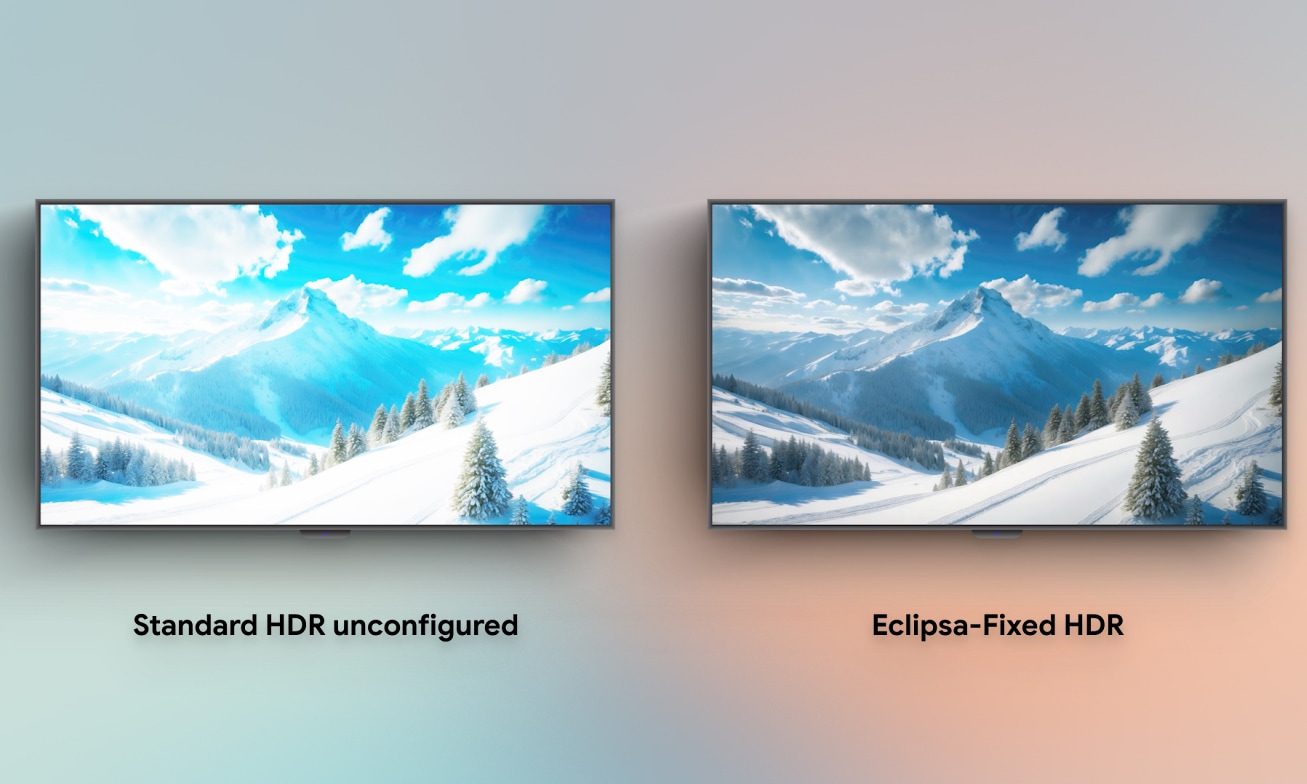
On top of that, Eclipsa applies frame-by-frame adjustments, so color, mood, and contrast stay accurate throughout the video. Since Eclipsa Video is baked directly into Android 17, any device running the latest OS should automatically benefit from more consistent, comfortable HDR playback.
It’s a subtle feature that you might not even notice but will exponentially improve your video-watching experience.