
Adobe’s Project Indigo has spent the past year building a reputation as one of the more serious camera apps on iPhone, offering full manual controls and a natural, SLR-style look instead of the overprocessed images most phone camera apps produce by default. Now Adobe is testing a new set of features called AI Playground that push the app well beyond photography.
New editing tools and a critic
AI Playground brings a handful of AI-powered editing tools to Project Indigo that help you remove distractions from photos, add depth-of-field effects, make stylistic edits, and edit images using natural language prompts. A Photo Critique tool rounds things out, reviewing your shots and offering suggestions on how to improve them, either by reshooting on the spot or editing afterward.
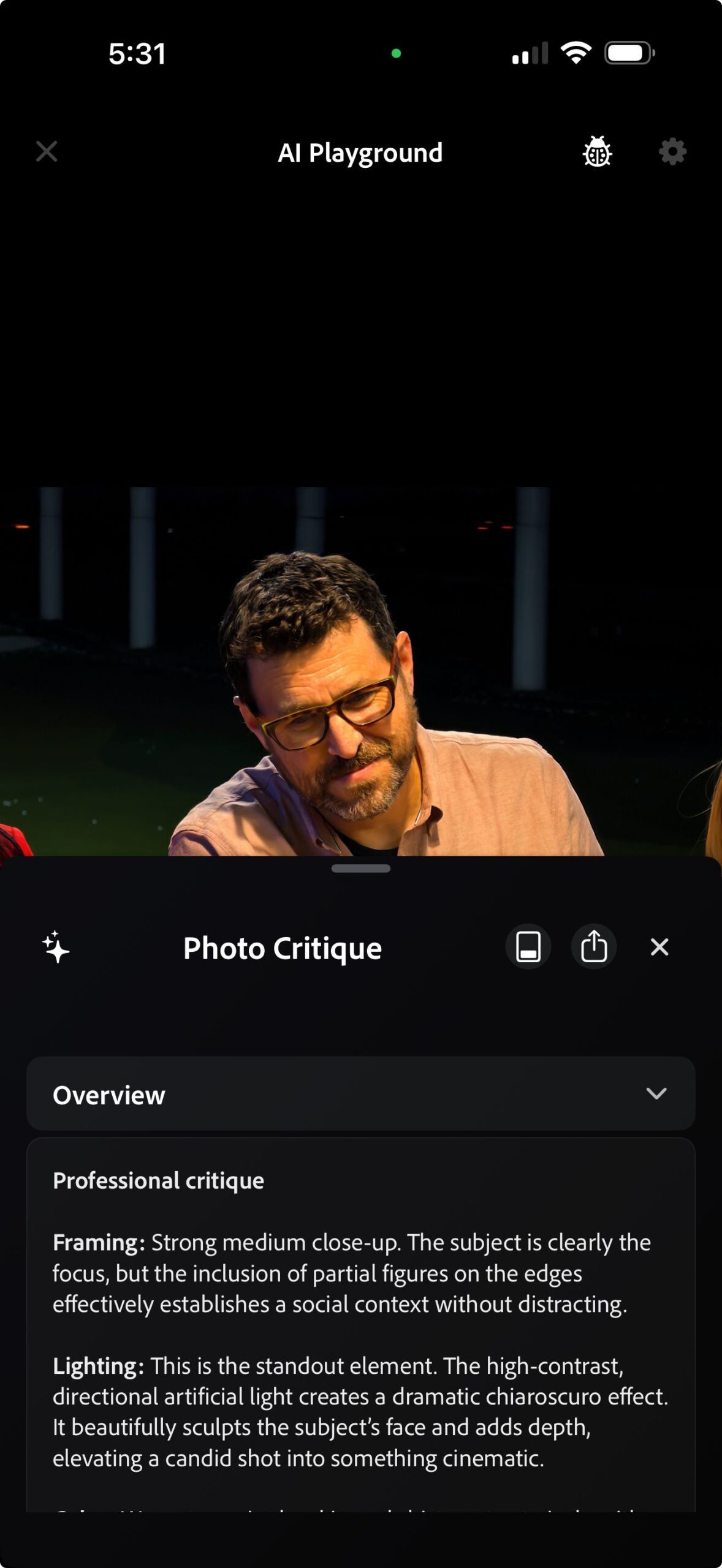
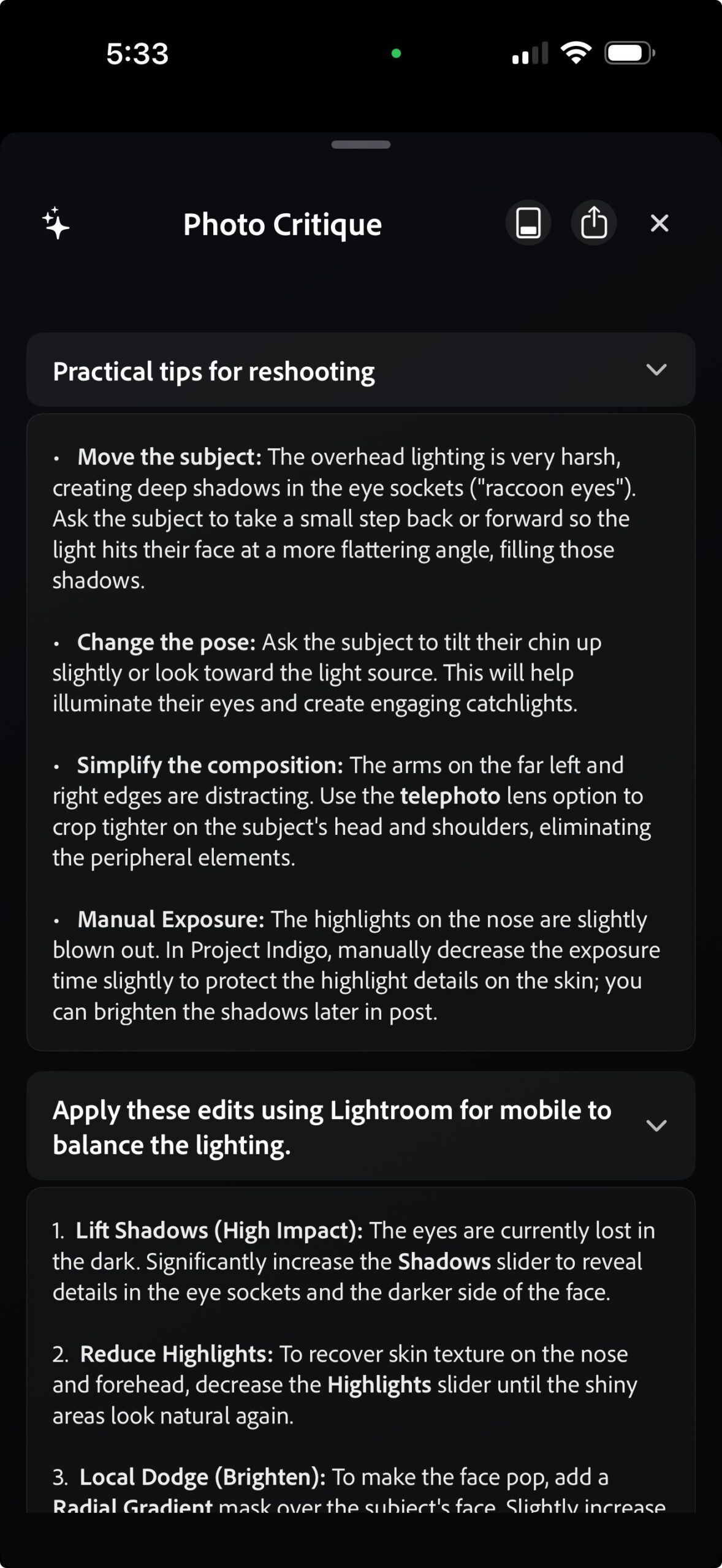
Adobe says these tools run on Google’s Nano Banana model, which is cloud-based and requires an active internet connection. It adds that edited photos will also be capped at 2K pixels to keep things fast. Adobe plans to mix in other models, including its own Firefly models, over time. It warns that repeatedly triggering Nano Banana’s safety filters, whether from your photo or your prompt, can get you booted from the test.
Limited access, limited time
Adobe says the feature is free for now, but only a small percentage of Project Indigo users will see it in version 1.1, and only for a few weeks. Everyone else is out of luck until Adobe decides whether to expand free access or charge for AI Playground.
If you already use Indigo, it’s worth updating and hoping you’re among the lucky few. If not, this is a good time to download the app and try out some of the other features it offers over the stock iPhone camera app, including full manual controls and a more natural look that skips the heavy processing baked into the default app.