

The Narwal Freo X Ultra makes it easy to keep your floors clean without much effort. Along with the ability to mop and vacuum in a single run, it can hold debris in its dustbin for up to seven weeks and comes with gigantic water reservoirs to clean its mopping pads after each cycle. However, that doesn’t mean the robot can be completely neglected, and there are a few minor cleaning steps you should take to keep your Freo X Ultra performing to the best of its ability.
Here’s a look at how to clean the Narwal Freo X Ultra, including both the robot vacuum and its docking station, along with tips for cleaning its dustbin, roller brushers, cleaning tray, and more.
How to clean the Freo X Ultra robot vacuum
Since the Freo X Ultra docking station takes care of most of the cleaning, there’s not a whole lot you’ll need to do to maintain your robot vacuum. With no need to clean mops or regularly empty its dustbin, you can go hands-off with the Freo X Ultra for weeks at a time. However, that doesn’t mean you can neglect it entirely. Here’s a look at how to clean the Freo X Ultra robot vacuum.
Step 1: Periodically check the roller brush and side brush. Flip the robot onto its back, then check these brushes for debris such as tangled hair or small objects.
Step 2: Wipe down the sensors on the exterior of the robot to ensure it has a good view of your home. This can be done with a dry towel, though a damp cloth can be used if there’s a tough stain that can’t be scrubbed away easily.
Step 3: Take the top off the robot vacuum and check to see if the dustbin needs to be replaced or emptied. If you’re using disposable dustbins, you can go up to seven weeks between changes (though large homes and those that have had a lot to clean up will need to swap bags more often). If you’re using the replaceable dustbin, you’ll need to empty it much more frequently.
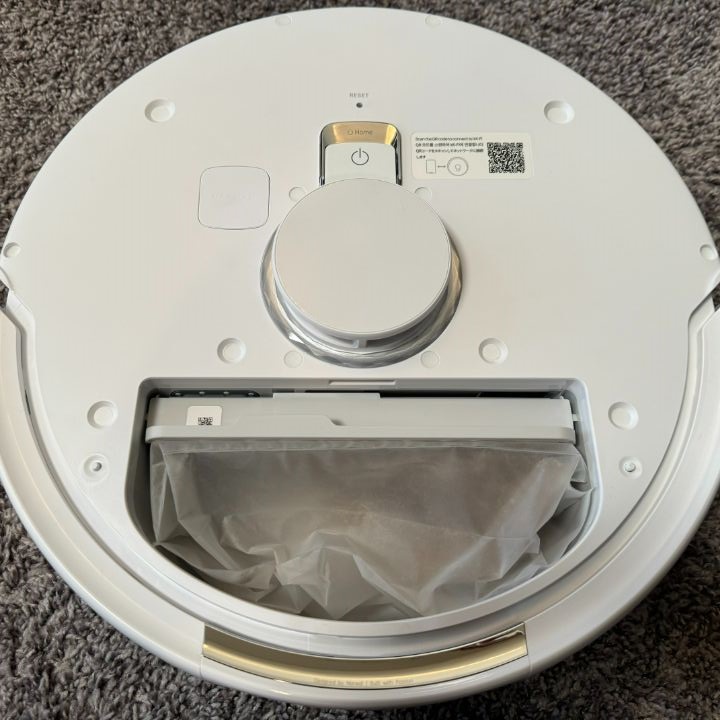
Step 4: If you’re using the replaceable dustbin, check to see if the filter needs to be cleaned. If it does, remove it from the dustbin and gently tap it on the side of your garbage can to remove loose dust. Then rinse it with clean water. Dry the filter for 24 hours, then replace it in the dustbin.
Step 5: Check your mopping pads to see if they need to be replaced. Your Narwal docking station will clean these after each run, but if you notice them getting a bit too funky for your liking, it might be time to swap them out for new ones.
How to clean the Freo X Ultra docking station
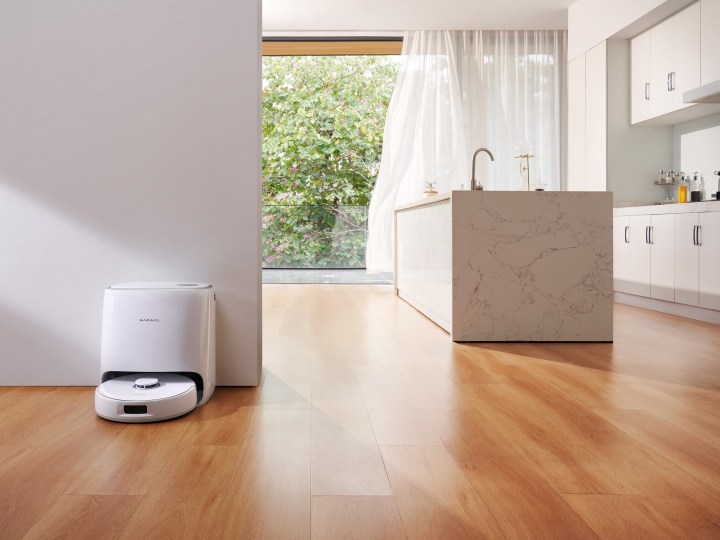
There are really only two things you need to clean on the Freo X Ultra docking station – the water reservoirs and the cleaning tray. Here’s how it works.
Step 1: Remove the robot vacuum from the dock and pull out the cleaning tray from the bottom of the dock. Rinse this with water, dry it with a towel, then replace it (ensuring it clicks into place).
Step 2: Open the top of the Narwal dock and remove the clean water and dirty water tanks. Empty both, and rinse them with clean warm water. For the dirty reservoir, you may also want to scrub it with a cloth to remove any gunk built up on its walls. Be sure not to use any high-pressure water with the reservoirs, as it could impact the performance of the floats (which monitor water levels).
Once the reservoirs have been rinsed, insert them back into the dock.
Editors’ Recommendations