
With laptops, brands are constantly in a balancing act between portability and workspace productivity. The ASUS Zenbook Duo UX8407AA tries to dodge that choice with a design that brings a whole setup in a compact form factor.
I used the Zenbook Duo as a creative machine, mainly with design apps, illustration work, writing, and multitasking. The model I tried runs on Intel’s Core Ultra 7 355, paired with 32GB of memory and a 1TB SSD. That gives it enough horsepower to handle Photoshop and Animate, for sketches and animations, and a lot more without breaking a sweat.
But the real winner is the form factor. This is a laptop that can turn into a dual-monitor workstation, a conventional notebook, or a drawing setup with a detachable keyboard moved out of the way. For a lot of creative professionals, especially beginners, students, and people who work on the go, this flexibility is great.
How the second screen changes the workflow
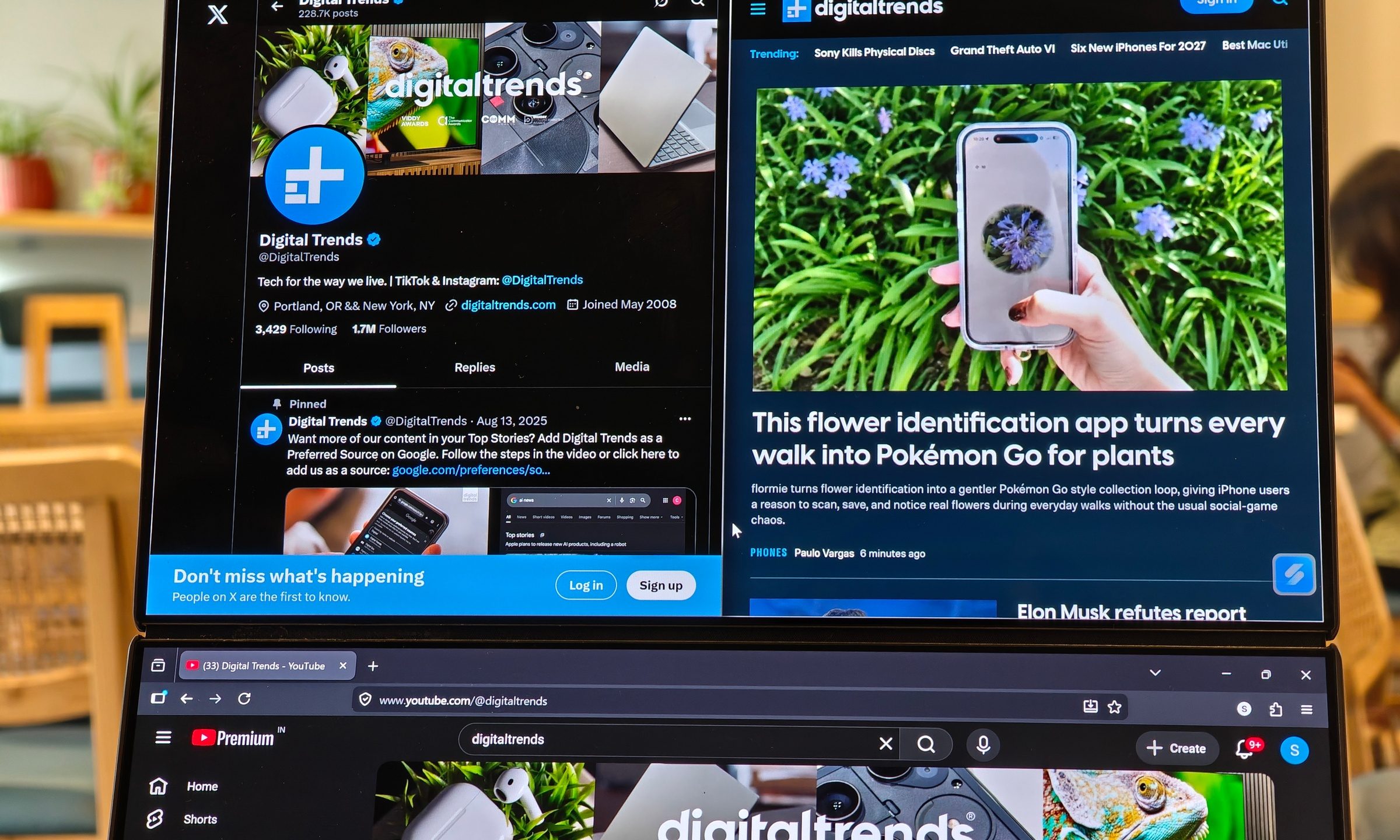
The Zenbook Duo has two 14-inch 3K OLED touch displays, and the easiest way to use it is with the built-in kickstand propping both screens vertically. In this mode, it gives you two stacked displays instead of one cramped laptop panel. For my usual work that involves a lot of writing and research, the added screen real estate really helped. I could keep a document on one screen, a browser on the other, and avoid the constant window juggling that makes small laptops annoying during real work.
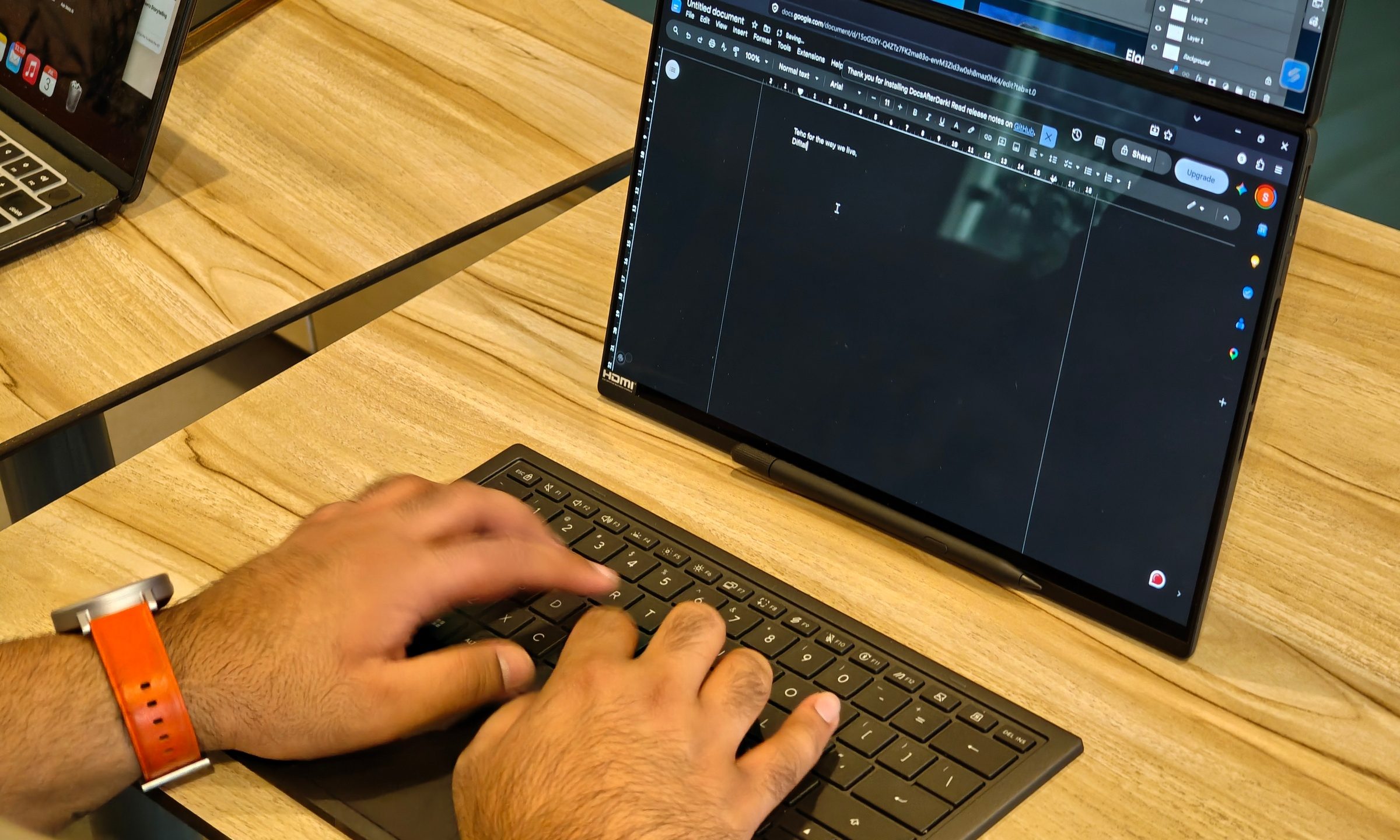
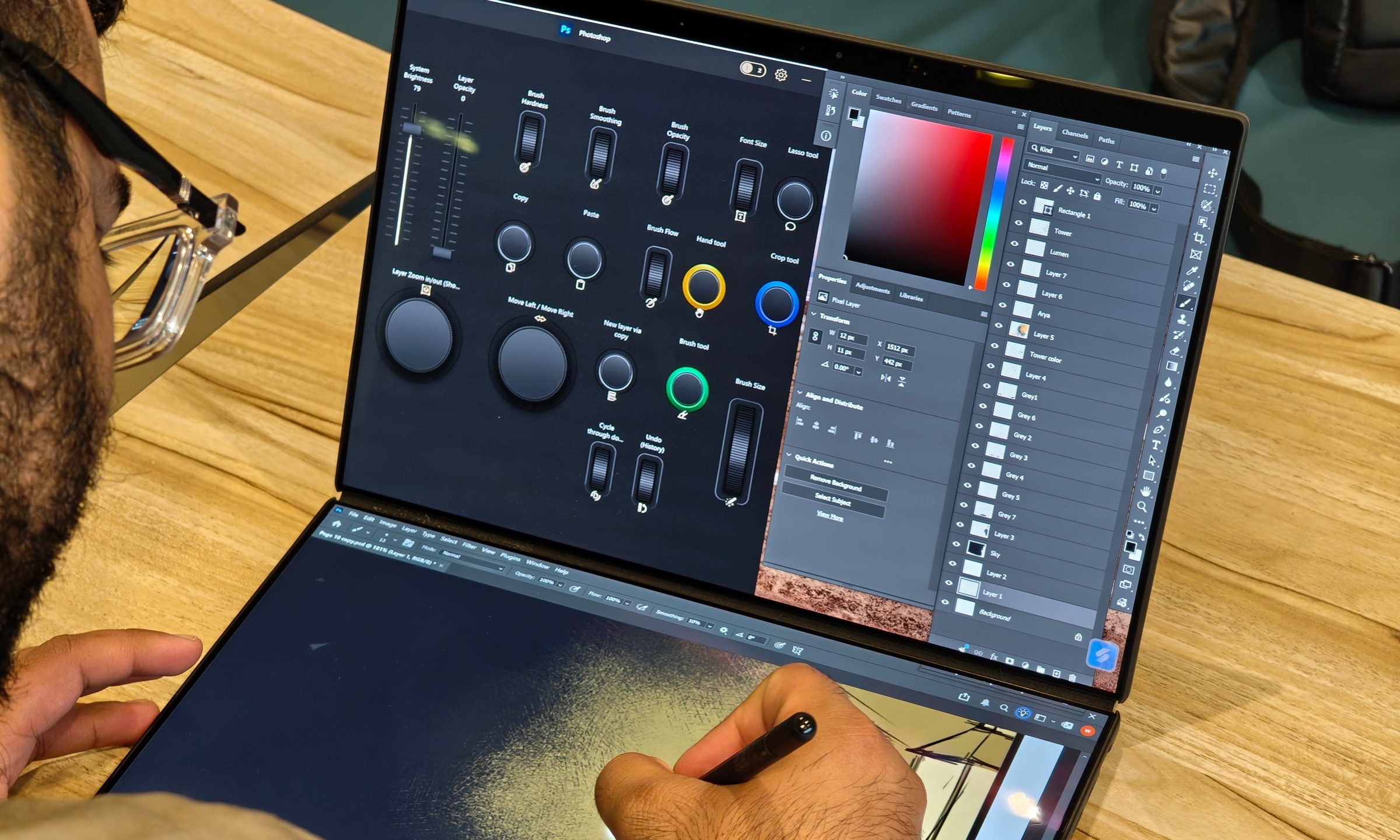
Even for content work, I had YouTube, social media accounts, and more tabs open at the same time without feeling squeezed. But where the Zenbook Duo really shines is in design work, which is clearly what it was built for. In Photoshop, the top screen became a control and reference area, while the bottom screen became the canvas. Tool panels, layers, color controls, browser references, and the ASUS utilities panel could all sit away from the actual drawing space. And yes, the finer controls in the utilities app for the stylus were pretty handy.
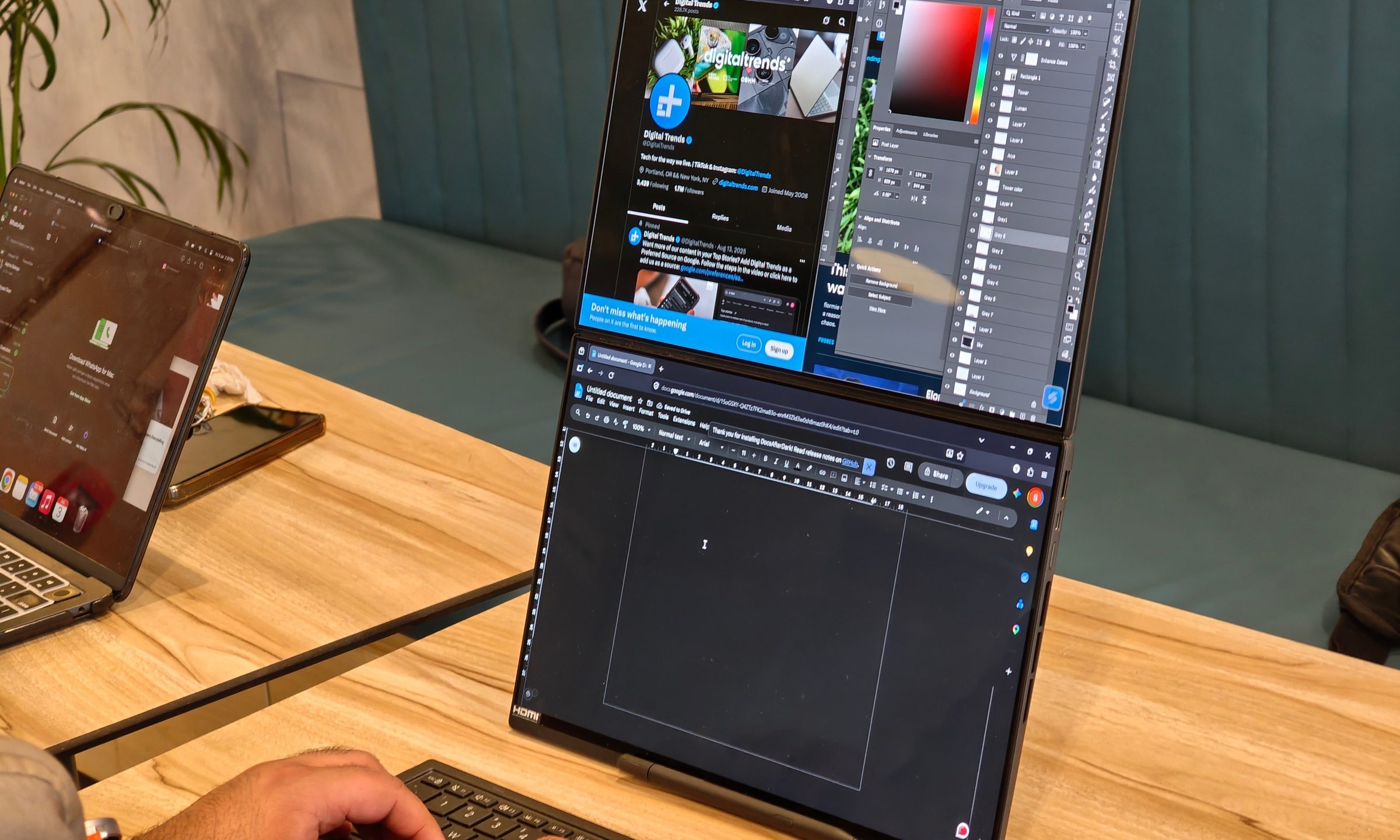
Creative apps often bury the canvas under panels, pop-ups, timelines, brushes, and layers. The Zenbook Duo can make all of those elements live right on the surface, always being just a tap away on the other screen.
ASUS Pen made the experience even better
The ASUS Pen makes the Zenbook Duo more than a multitasking laptop. Drawing directly on the lower screen felt natural when I removed the detachable keyboard and placed it separately on the table. In that setup, the laptop became more like a portable drawing station than a traditional notebook.
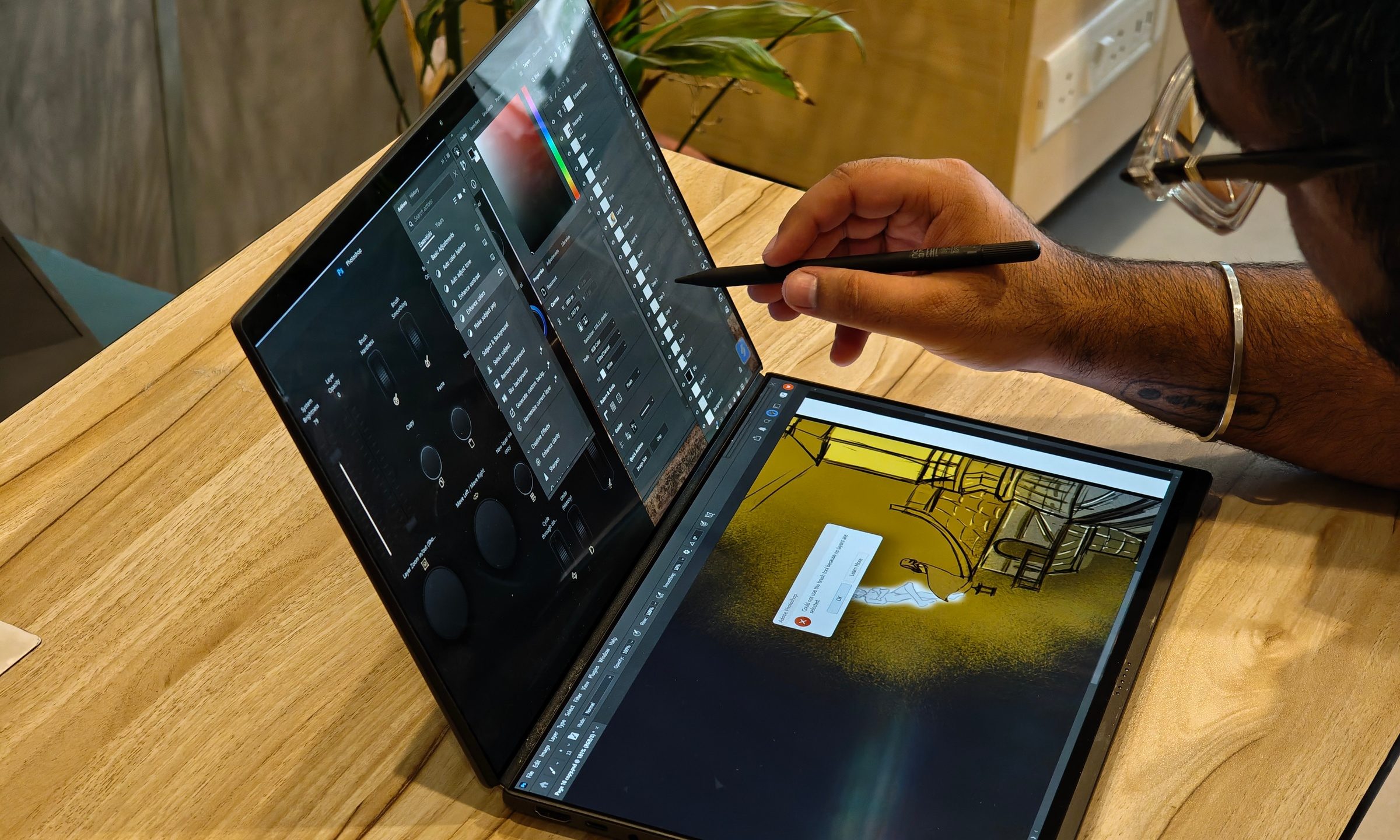
The screen is bright, sharp, and responsive, and the 144Hz refresh rate helps the whole interaction feel smooth. Touch input was solid, and the pen handled pressure and tilt well enough for sketching, illustration, and casual design work. For beginner and intermediate creators, I can see this being more than enough.
Palm rejection was the only part that soured the experience a little. It wasn’t always consistent when I used the power screen as a drawing surface. My palm and forearm occasionally registered touches while I was working, which became frustrating as these false inputs resulted in random lines on top of my sketches.
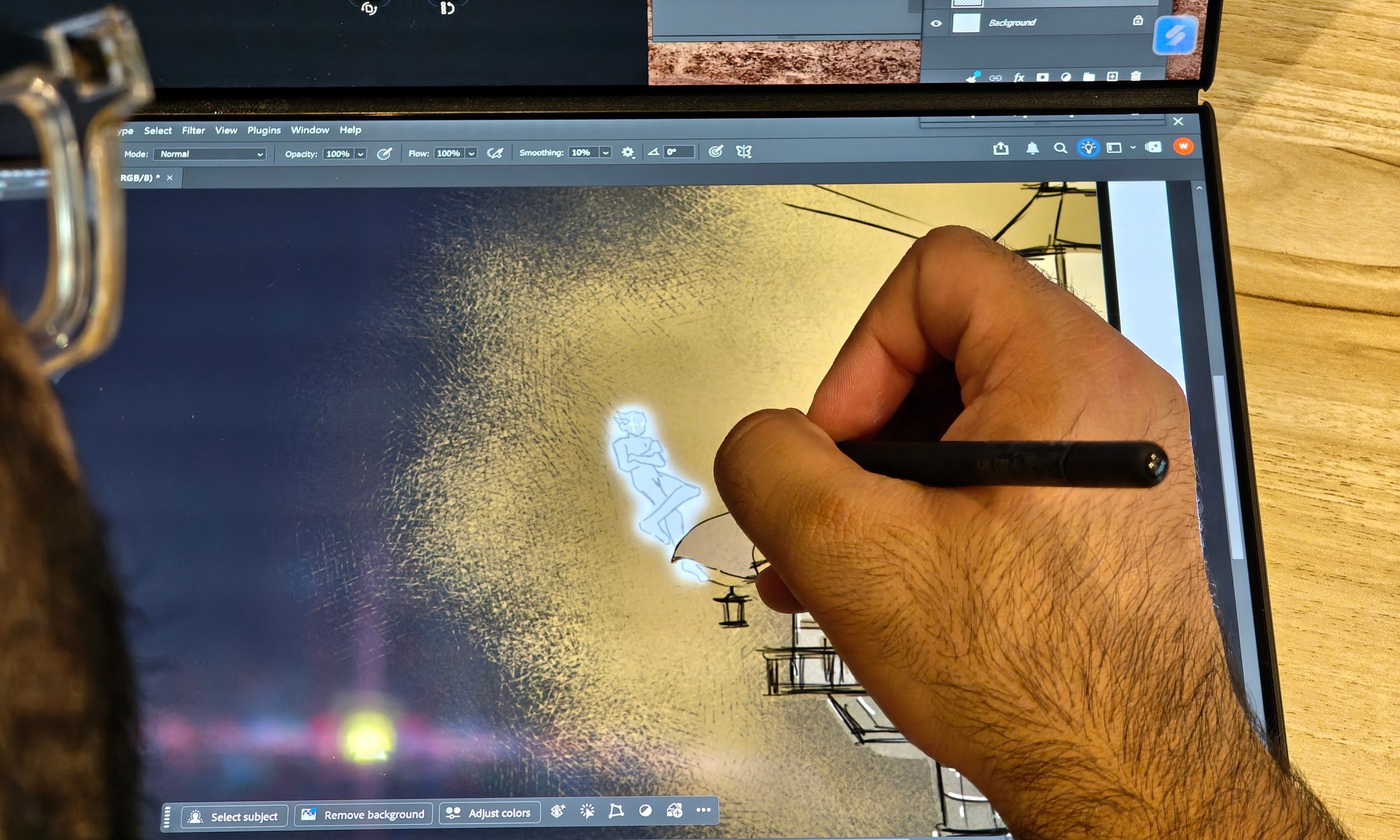
Professional illustrators who rely on higher-end drawing tablets may still prefer dedicated hardware. Many entry-level drawing tablets offer higher pressure levels than the ASUS Pen’s 4096 levels. Most users, though, won’t realize the difference. Another big advantage here is convenience. This one machine packs two screens, a stylus, and creative controls.
A design that stays adaptable
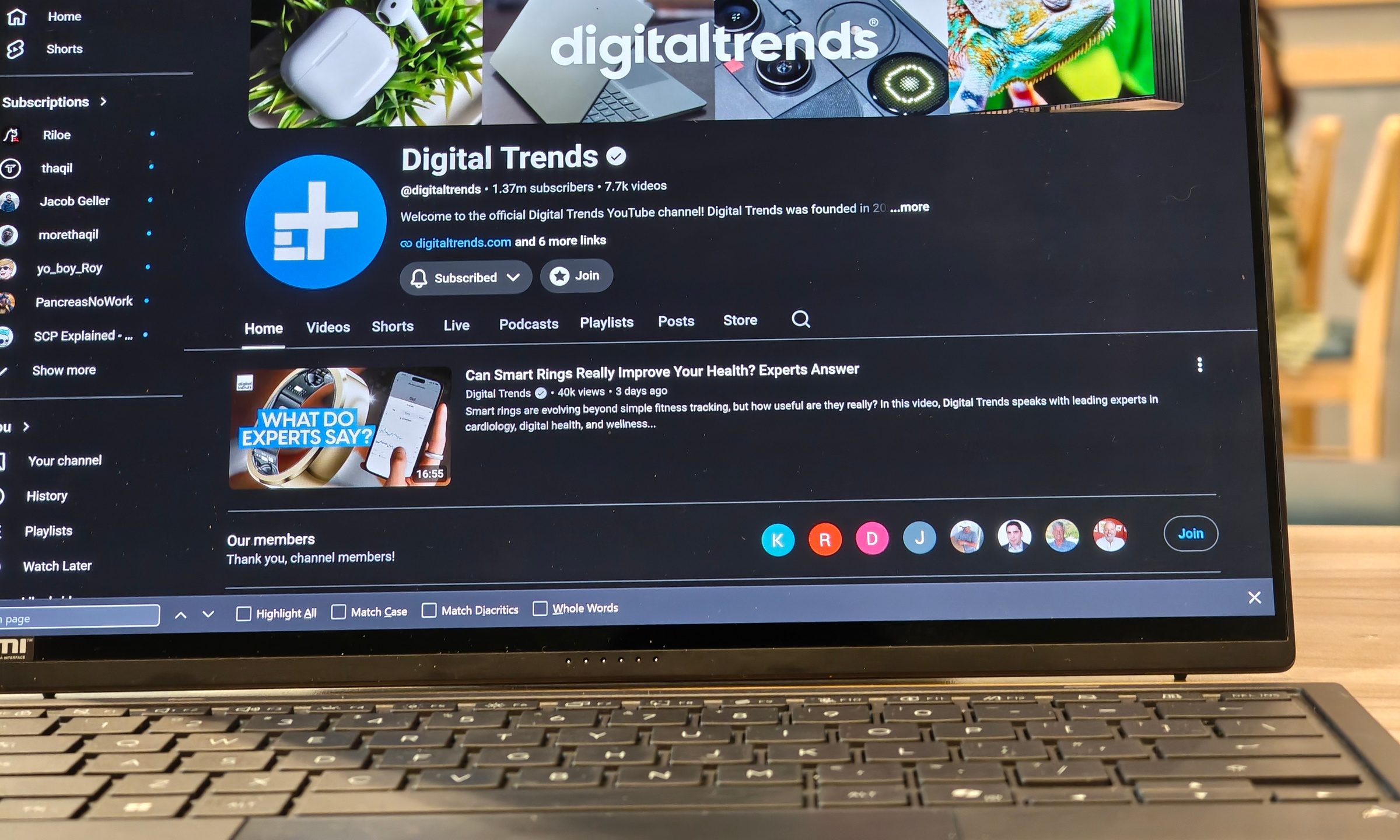
The Zenbook Duo does not lock you into one layout. Attach the keyboard, and it looks like a regular laptop. Remove it, use the kickstand, and you get two displays stacked on top of each other. Lay it down differently, and the bottom screen becomes a drawing pad while the top screen handles tools and references.
You might need a normal laptop at one moment, and a second display in another. ASUS’ dual-screen laptop handles all of these situations better than a regular laptop would. It is still thicker and heavier than a simple ultrabook, and the price means it is not an impulse buy. A laptop plus a separate drawing tablet may cost less, depending on what you choose. But having a one-stop solution gives artists more convenience. You’re not carrying multiple devices, a secondary display, an additional set of wires, and other peripherals. You open one machine and get a workable creative desk almost anywhere.
A clever one-stop creative machine
The Zenbook Duo UX8407AA will make the most sense for people who bounce between different kinds of work. Designers, illustrators, content creators, students, writers, editors, and heavy multitaskers will get more from it than someone who just wants a thin laptop for email and streaming. It is especially appealing for beginners and mobile creators who want an all-in-one setup before investing in a full desk, external monitor, and dedicated drawing tablet.
The screens are excellent, with the dual displays and pen adding to the experience. ASUS built the Zenbook Duo as one of those odd laptops where the unusual design has a clear purpose. Used the right way, it becomes a portable creative workstation that can replace several pieces of gear in one shot.