
Everything is digital until the one professor who still wants a printed essay, or the lease you need to sign in ink, or the photo you want to stick on your dorm room’s wall. That’s usually the exact moment you remember you don’t own a printer anymore, and the nearest one is a library machine with a line out the door.
I looked at four compact printers that solve that problem without taking over your desk and breaking the bank. Two are built for documents, one is a proper all-in-one for actual home office work, and one has nothing to do with homework and everything to do with turning your camera roll into something you can hold.
Brother Work Smart 1360 all-in-one printer
Pros
- Compact space-saving desktop footprint
- Convenient automatic document feeder
- Supports automatic two-sided printing
- Quick black text printing speeds
Cons
- Lacks automatic double-sided copying
- High long-term ink replacement costs
If you want a workhorse of a printer for your dorm room at an affordable price, this is the one to get. It’s a real all-in-one printer that prints, copies, and scans, with automatic two-sided printing and a 150-sheet tray. There’s also a 20-sheet automatic document feeder, which really helps in scanning a stack of pages instead of one at a time.
The 1.8-inch color display lets you print straight from or scan into Google Drive, Dropbox, OneDrive, and a few other cloud apps without touching a computer, and the Brother Mobile Connect app extends that same control to your phone. Print speeds go up to 16 pages a minute in black and 9 in color, which is genuinely fast for something at this price.
The scanner covers both flatbed and sheetfed documents, so a photo from a book and a stack of loose pages both get handled without switching modes, and at just under 17 pounds, this is clearly meant to live on a desk rather than travel with you.
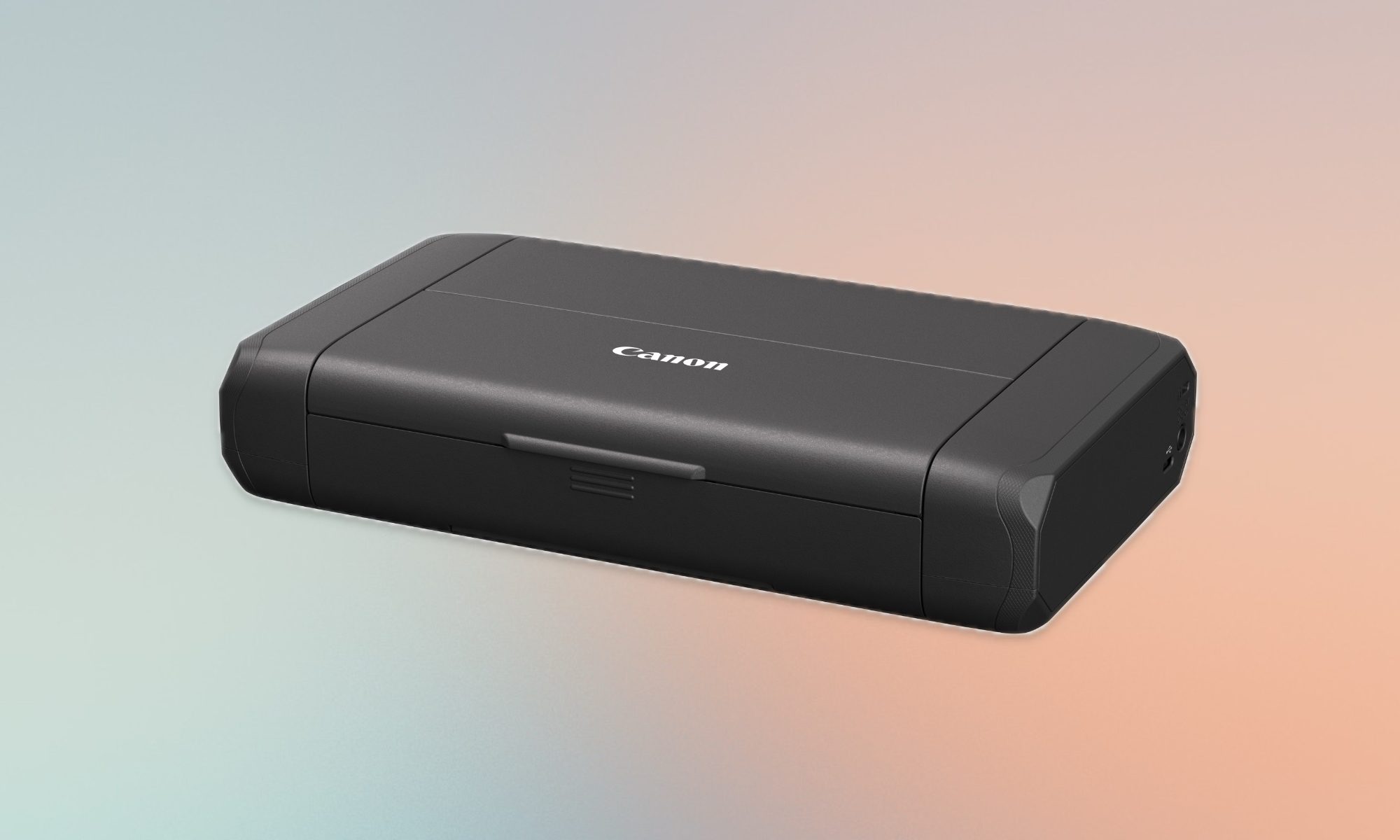
Canon PIXMA TR160 wireless portable printer
Pros
- Compact, lightweight portable design
- Strong mobile device wireless connectivity
- Stores custom printable document templates
- Excellent document photo print quality
Cons
- Optional battery is sold separately
- Slow overall print output speed
If you are looking for a smaller, lighter option, light enough to toss in a backpack without really noticing, you should get the Canon PIXMA TR160 printer. It uses a 5-color ink system that handles both regular documents and actual photos, including borderless prints if you want something that looks less like it came out of a home printer.
The 1.44-inch OLED screen helps keep track of ink levels and printer status without pulling out your phone. You can also save up to five templates and print them straight from the display, which is handy if you’re reprinting the same form or flyer over and over.
It connects through the Canon app, AirPrint, or Mopria, and has a direct connection mode for when there’s no wireless router around, with an optional battery if you want to go fully cordless. Coming in just under 4.5 pounds and thin enough to slide into a backpack, it’s the one I’d actually carry to class instead of leaving on a desk.
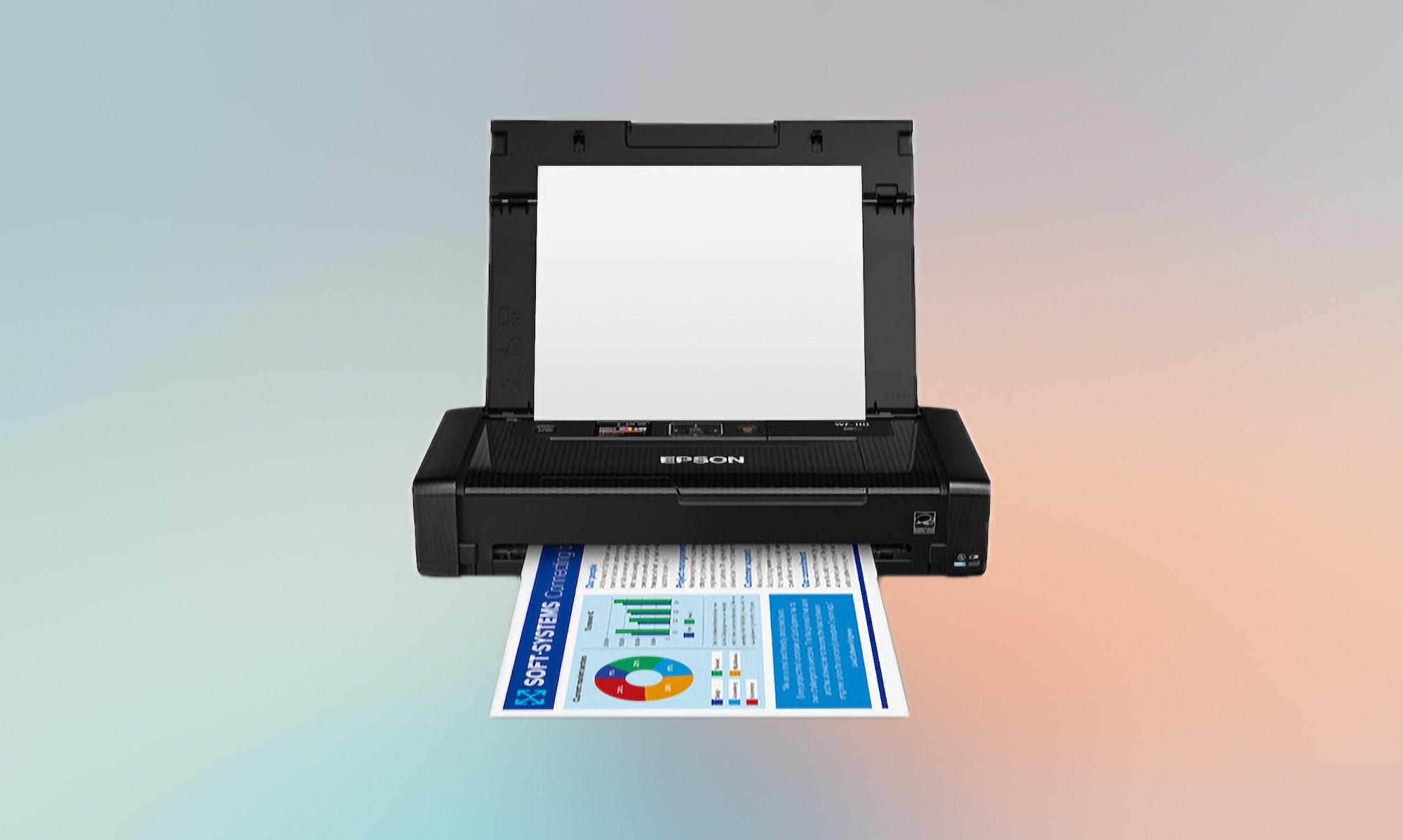
Epson workforce WF-110 wireless mobile printer
Pros
- Compact and lightweight design
- Comes with included battery
- Convenient USB battery charging
Cons
- Slow print speed
- Small paper tray capacity
The Epson Workforce WF-110 mobile printer is for people who want real portability. It’s small enough to fit in your backpack and has a rechargeable lithium-ion battery built right in, and you can top it off over USB or an AC adapter. Of course you can run it plugged into the wall if you’d rather skip the battery entirely. There’s also an optional external battery pack if you’re printing enough that one charge won’t cover you.
It connects over Wi-Fi and Wi-Fi Direct, so sending a document from your phone, tablet, or laptop doesn’t require a router in the mix. Just know that print speed takes a hit when you’re running on battery instead of a wall outlet.
It’s also picky about ink, since it’s built to run on genuine Epson cartridges only, which is worth factoring into the long-term cost before you buy. At 4.6 pounds and roughly the footprint of a small stack of textbooks, it’s quite portable. The only thing that might dissuade you is its price. But the built-in battery and compact design make it genuinely portable, which justifies the cost in my opinion.
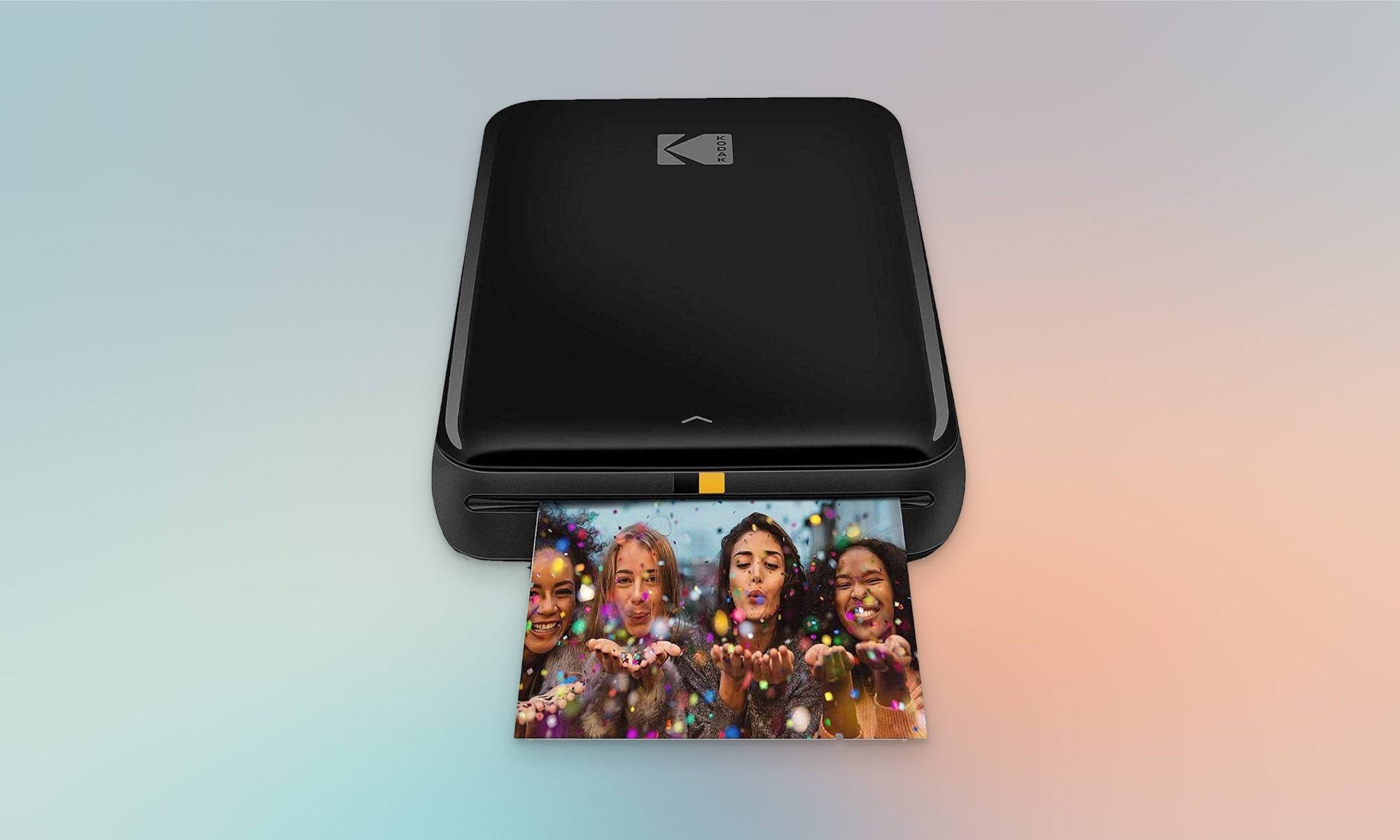
Kodak step instant photo printer
Pros
- Requires no ink cartridges
- Photo print quality is really good
- Mobile apps supports filters, borders, stickers, etc.
Cons
- microUSB charging port
- Replacement paper is not cheap
This last one isn’t a document printer at all; it’s built purely for fun. It connects to your phone over Bluetooth or NFC and prints small 2 by 3 inch photos on sticky-back paper, using Kodak’s ink-free Zink paper. The prints hold up surprisingly well too, resisting smudges and moisture, and are better than you’d expect from something this small.
The companion app also adds value, letting you add filters, borders, stickers, and text before you print, so your photos come out looking more like a scrapbook page than a plain snapshot. It’s genuinely pocket-sized, weighs next to nothing, and gets you about 25 prints on a single charge from its built-in battery, which you can top off through a micro-USB cable. I would have preferred USB-C, but we can’t have everything, I guess.
It comes with a small starter pack of the Zink paper in the box, so you can start printing the same day it arrives instead of waiting on a separate paper order. If you want physical photos on your dorm wall without hauling out an actual printer, this is the one that makes that easy.