
Apple has quietly refreshed its Magic Keyboard lineup, and if you look closely, you’ll notice something different about the keys. Nope, it’s not a redesign. It’s just new labels.
What exactly changed on the new Magic Keyboard?
On the updated keyboards, keys like Tab, Caps Lock, Shift, Return, and Delete now show glyphs instead of text. If you look at the full-size models with a numeric keypad, the change goes even further. Keys like Home, Page Up, Page Down, End, Clear, and Enter also ditch their text for symbols now.
Apple has updated four models, including the standard Magic Keyboard, the Magic Keyboard with Touch ID, and the Magic Keyboard with Touch ID and Numeric Keypad, available in white and black colorways. The only model Apple has not refreshed is the full-size model without Touch ID. It appears that Apple will soon remove that model from its portfolio.
If this sounds familiar, that’s because Apple did the same thing to its MacBook Air, MacBook Pro, and MacBook Neo lineup earlier this year. So, this isn’t really a new design language, just Apple extending it to its desktop accessories.
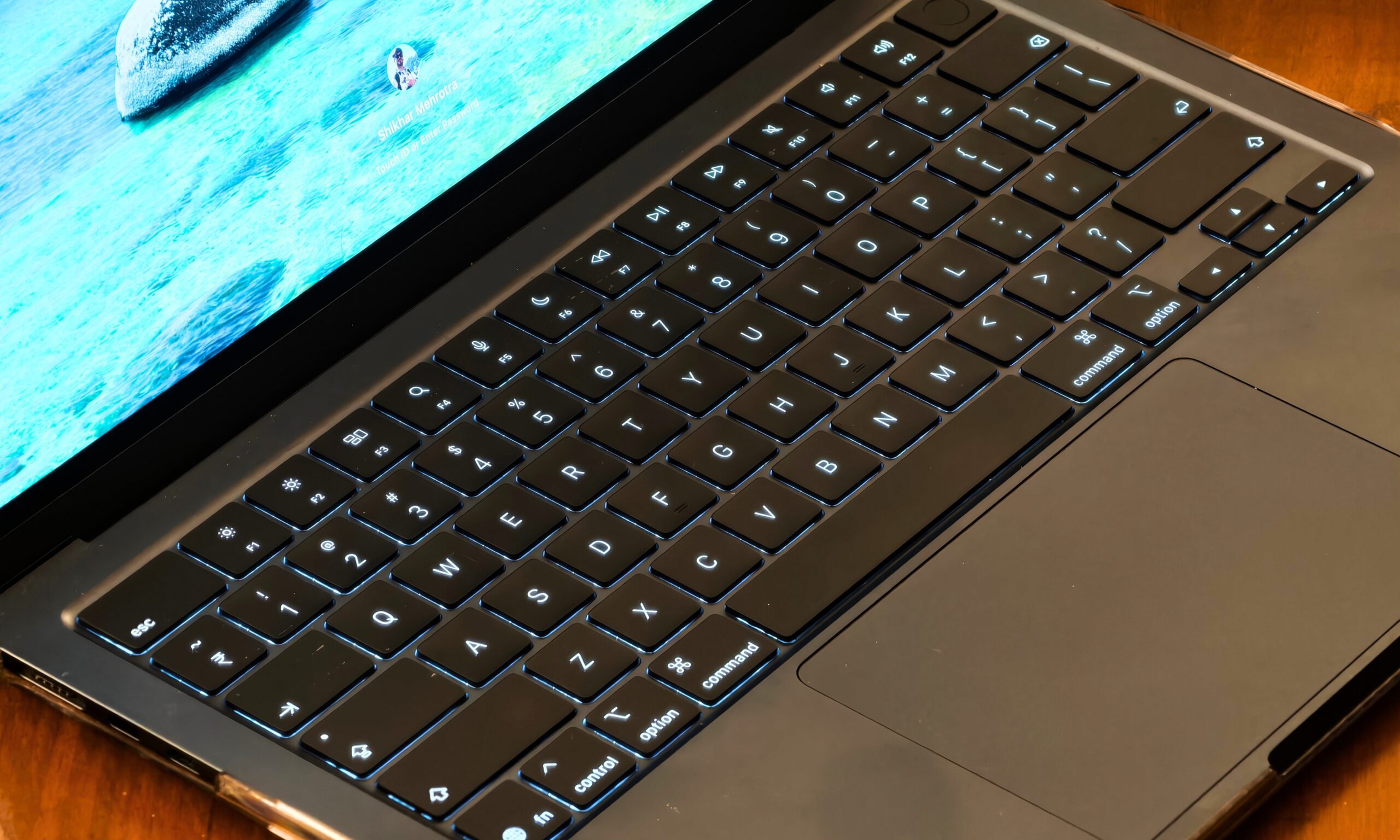
Since the US English layout is also the default in countries like Canada, Australia, New Zealand, and Singapore, this change isn’t just limited to US buyers. And if you’re used to Apple’s British English or other European keyboards, these glyphs will already look familiar since Apple has used them there for a while.
Why does this still feel like a missed opportunity?
Here’s the thing, though. While Apple is making minor cosmetic changes, it’s still ignoring the one upgrade users have been begging for over the years: backlighting. Yes, in 2026, Apple’s flagship keyboard still doesn’t light up in the dark. If you like typing at night or in dim lighting, you’re out of luck yet again.
A fresh coat of symbols is nice, but I’d trade all of them for a backlit keyboard any day. Until then, we’ll just have to keep fumbling for the right key in the dark.