
Generating a short AI video is one thing; getting several shots to actually look like they belong in the same video is a much harder problem. Google is taking another swing at that with Gemini Omni 1.1 Flash, its latest generative video model aimed at giving creators and developers much more control over what happens between the first frame and the last.
The biggest change is how much of an existing video Gemini can remember when you ask it to continue a scene. Omni 1.1 can look at up to 10 seconds of previous footage for context, rather than relying on just the final second. That should help it keep characters, environments, and the general direction of a scene more consistent instead of effectively guessing what should happen next.
Your AI videos don’t have to end so quickly
Google is also giving creators considerably more room to keep those scenes going. Videos can be extended in 10-second chunks until they reach a total length of 40 seconds. That might not sound particularly long compared with a traditional video, but it opens up much more room for AI-generated sequences with an actual beginning, middle, and end.
Creators can also provide both the first and final frame they want for a shot. Gemini then generates everything needed to connect the two. That could be useful for creating a camera move around a subject, smoothly zooming between compositions, or building a clip designed to loop without an obvious jump. Video references are supported as well. You can feed Gemini up to three seconds of existing footage to give the model additional visual context, which Google says should help maintain things such as character appearance across generated scenes.
You don’t need to render everything in 4K
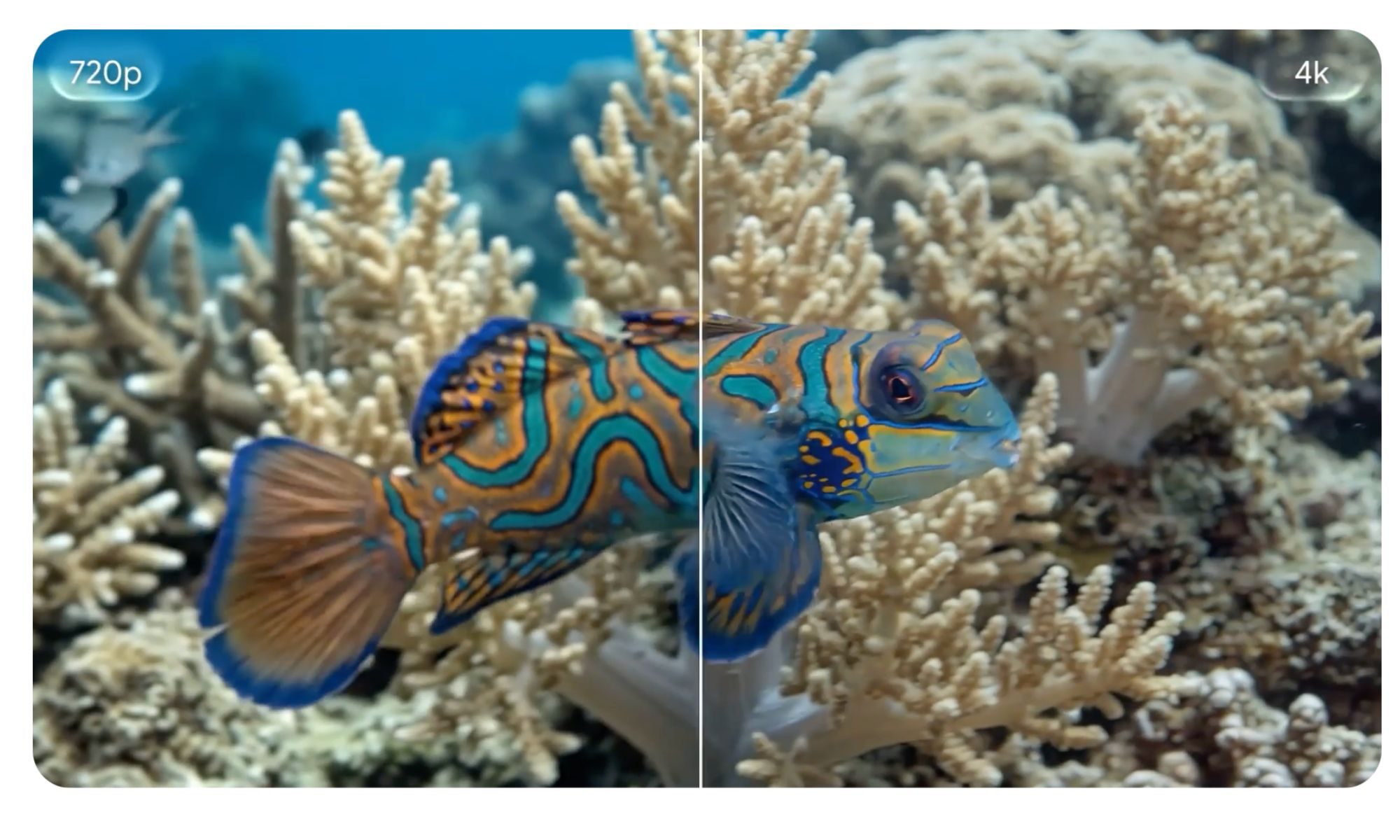
Not every experiment needs to start at maximum quality, and one of Omni 1.1’s more practical additions acknowledges exactly that. Developers can generate 360p previews that Google claims are up to 60% faster than its regular 720p output while costing roughly one-third as much. That makes it easier to quickly test an idea, tweak prompts, or work through several versions before spending more time and money on the final result. Once you’re happy with it, Omni 1.1 can produce 1080p footage or upscale the finished video to up to 4K.
The company is already making Omni 1.1 Flash available to developers through the Gemini API in Google AI Studio, while businesses can access it through Google’s enterprise Agent Platform. You don’t necessarily need to be building an app to try some of these tricks, either. Omni 1.1 is rolling out globally in Google Flow for AI Plus, Pro, and Ultra subscribers. Scene extension is also coming to those subscribers directly inside the Gemini app, making one of the model’s most interesting new abilities considerably easier to try.