
Daily Guardian UAEDaily Guardian UAE
  • Home
  • UAE
  • What’s On
  • Business
  • World
  • Entertainment
  • Lifestyle
  • Sports
  • Technology
  • Travel
  • Web Stories
  • More
    • Editor’s Picks
    • Press Release
What's On

Belkin Unveils UltraCharge Pro Semi‑Solid-State Power Banks

September 7, 2026

Capstone Real Estate Partners with Keyper to Introduce Flexible Rental Payments in Abu Dhabi

September 7, 2026

DACE 2026 Opens in Dubai to Advance Anaesthesia, Pain Management and Patient Care

September 6, 2026

Panasonic Middle East and Africa Continues to Transform Its Brand and Communications Strategy

September 6, 2026

Meralda Jewels Targets 50-Store Footprint Across India, GCC and North America; Opens Abu Dhabi Flagship

September 6, 2026
Facebook X (Twitter) Instagram
Finance Pro
Facebook X (Twitter) Instagram
Daily Guardian UAE
Subscribe
  • Home
  • UAE
  • What’s On
  • Business
  • World
  • Entertainment
  • Lifestyle
  • Sports
  • Technology
  • Travel
  • Web Stories
  • More
    • Editor’s Picks
    • Press Release
Daily Guardian UAEDaily Guardian UAE
Home » Passkeys were pushed as a safer future. Hackers have figured out ways to break those synced to Google
Technology

Passkeys were pushed as a safer future. Hackers have figured out ways to break those synced to Google

By dailyguardian.aeAugust 5, 20263 Mins Read
Share
Facebook Twitter LinkedIn Pinterest Email

Passkeys have been pushed as the safer successor to passwords. It promised protection from phishing, credential reuse, and password leaks. Google even claims that it cannot be copied or accidentally handed to someone else. But it might not be as secure as the company wants it to be.

Security researchers (Via BleepingComputer) have now found three ways malware can undermine those promises for passkeys synced through Google Password Manager. The techniques, collectively named Pass-ta-key, target Google Password Manager inside Chrome on Windows computers equipped with a Trusted Platform Module. Every attack requires malware to already be running on the victim’s computer.

The researchers did not break the cryptography behind passkeys. They exploited weaknesses in device trust, account recovery, onboarding, and how services verify that the user actually unlocked their device.

Malware can impersonate your trusted computer

The first Pass-ta-key technique lets malware use Chrome’s TPM-backed device identity to request a valid passkey response from Google’s cloud authenticator. It requires no administrator privileges, biometric scan, PIN, device unlock, or interaction from the victim. Google’s service sees the request as coming from a trusted computer and returns the authentication response needed to sign in.

Websites are supposed to check a flag confirming that the user verified their identity. Unit 42 found that GitHub correctly rejected the attack, while eBay accepted it despite supposedly requiring verification. eBay fixed that gap after the researchers reported it.

The more advanced Silver Pass-ta-key attack can force Chrome to register a verification key controlled by the attacker. That key is then treated as proof that the victim entered a PIN or used biometrics, allowing account access from another computer after the original device goes offline.
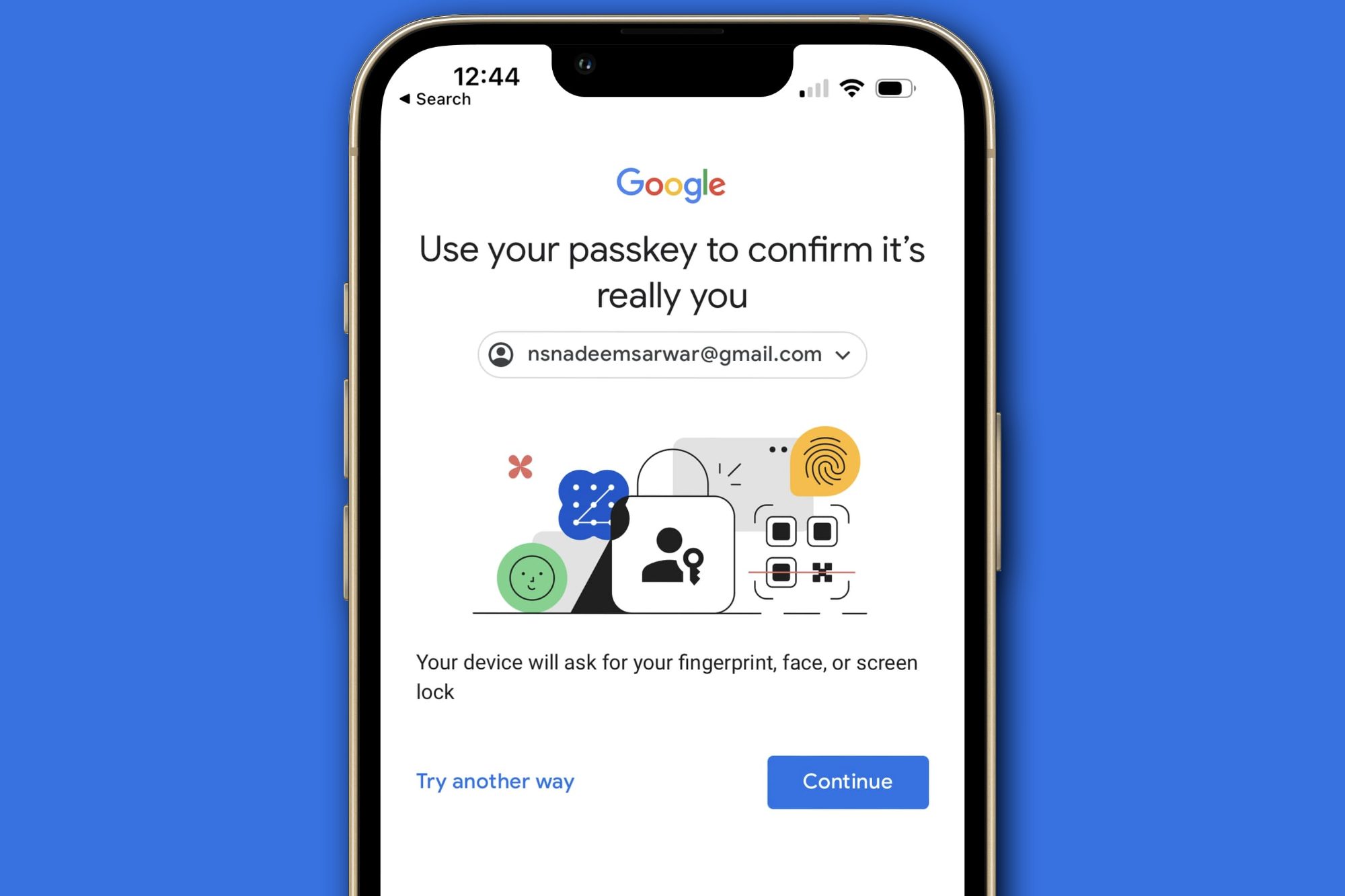
Google account prompt explaining passkeys.

The worst attack steals the keys themselves

The Golden Pass-ta-key technique targets the master secret used to encrypt every passkey synced through a Google account. Researchers initially found that Chrome exposed this secret in plain text through its internal FIDO logs. Google removed it from the logs following disclosure. However, Unit 42 says the key still temporarily appears inside Chrome’s process memory during device registration or recovery. Malware can extract it and decrypt the victim’s synced passkeys.

The stolen master key could reportedly expose existing and future passkeys. Unit 42 adds that Google’s current implementation provides no method to rotate or revoke that secret after it has been compromised. Passkeys remain substantially safer against phishing and password leaks. Google’s documentation still accurately describes those advantages. This research shows that malware already inside your computer can attack the infrastructure surrounding the passkey instead.

Share. Facebook Twitter Pinterest LinkedIn Tumblr Email

Keep Reading

Lenovo AeroBlade imagines a laptop as thin as a foldable phone, thanks to solid-state cooling

Lenovo puts Nvidia RTX Spark into its new Yoga Pro laptops for local AI at IFA 2026

Motorola’s new Edge 70 Plus packs a 200MP camera and a massive battery

We got GTA VI limited-edition DualSense controllers before GTA VI

Anker unveils smarter chargers and power banks built to fight heat and battery degradation

Anker’s new Soundcore Sleep earbuds can mask snoring and even track your heart rate

TCL P80 series finally marries eye-friendly NXTPAPER tech with an AMOLED panel

Anker’s new MindBase wants to be the brain of your entire home security system

I found 5 cleaning deals worth sweeping up this Labor Day

Editors Picks

Capstone Real Estate Partners with Keyper to Introduce Flexible Rental Payments in Abu Dhabi

September 7, 2026

DACE 2026 Opens in Dubai to Advance Anaesthesia, Pain Management and Patient Care

September 6, 2026

Panasonic Middle East and Africa Continues to Transform Its Brand and Communications Strategy

September 6, 2026

Meralda Jewels Targets 50-Store Footprint Across India, GCC and North America; Opens Abu Dhabi Flagship

September 6, 2026

Subscribe to News

Get the latest UAE news and updates directly to your inbox.

Latest Posts

UAQ Free Zone and Port City Colombo Sign Agreement to Promote Investment

September 6, 2026

HOLM DEVELOPMENTS ANNOUNCES US$250 MILLION+ ENTRY INTO GEORGIA

September 5, 2026

Dell Technologies and Armada Sign Strategic MoU to Accelerate Mobile and Edge Data Infrastructure Across Saudi Arabia

September 4, 2026
Facebook X (Twitter) Pinterest TikTok Instagram
© 2026 Daily Guardian UAE. All Rights Reserved.
  • Privacy Policy
  • Terms
  • Advertise
  • Contact

Type above and press Enter to search. Press Esc to cancel.