
Daily Guardian UAEDaily Guardian UAE
  • Home
  • UAE
  • What’s On
  • Business
  • World
  • Entertainment
  • Lifestyle
  • Sports
  • Technology
  • Travel
  • Web Stories
  • More
    • Editor’s Picks
    • Press Release
What's On

AI models from Anthropic and OpenAI were caught breaking the rules again

August 5, 2026

Emirates Film Festival honours Gaganpreet Singh for advancing international cinema across the Gulf

August 5, 2026

Google Drive steps up its video collaboration game with timestamped comments

August 5, 2026

مهرجان الإمارات السينمائي يُكرّم غاغانبريت سينغ لإسهاماته في تطوير السينما العالمية في منطقة الخليج

August 5, 2026

Passkeys were pushed as a safer future. Hackers have figured out ways to break those synced to Google

August 5, 2026
Facebook X (Twitter) Instagram
Finance Pro
Facebook X (Twitter) Instagram
Daily Guardian UAE
Subscribe
  • Home
  • UAE
  • What’s On
  • Business
  • World
  • Entertainment
  • Lifestyle
  • Sports
  • Technology
  • Travel
  • Web Stories
  • More
    • Editor’s Picks
    • Press Release
Daily Guardian UAEDaily Guardian UAE
Home » Passkeys were pushed as a safer future. Hackers have figured out ways to break those synced to Google
Technology

Passkeys were pushed as a safer future. Hackers have figured out ways to break those synced to Google

By dailyguardian.aeAugust 5, 20263 Mins Read
Share
Facebook Twitter LinkedIn Pinterest Email

Passkeys have been pushed as the safer successor to passwords. It promised protection from phishing, credential reuse, and password leaks. Google even claims that it cannot be copied or accidentally handed to someone else. But it might not be as secure as the company wants it to be.

Security researchers (Via BleepingComputer) have now found three ways malware can undermine those promises for passkeys synced through Google Password Manager. The techniques, collectively named Pass-ta-key, target Google Password Manager inside Chrome on Windows computers equipped with a Trusted Platform Module. Every attack requires malware to already be running on the victim’s computer.

The researchers did not break the cryptography behind passkeys. They exploited weaknesses in device trust, account recovery, onboarding, and how services verify that the user actually unlocked their device.

Malware can impersonate your trusted computer

The first Pass-ta-key technique lets malware use Chrome’s TPM-backed device identity to request a valid passkey response from Google’s cloud authenticator. It requires no administrator privileges, biometric scan, PIN, device unlock, or interaction from the victim. Google’s service sees the request as coming from a trusted computer and returns the authentication response needed to sign in.

Websites are supposed to check a flag confirming that the user verified their identity. Unit 42 found that GitHub correctly rejected the attack, while eBay accepted it despite supposedly requiring verification. eBay fixed that gap after the researchers reported it.

The more advanced Silver Pass-ta-key attack can force Chrome to register a verification key controlled by the attacker. That key is then treated as proof that the victim entered a PIN or used biometrics, allowing account access from another computer after the original device goes offline.
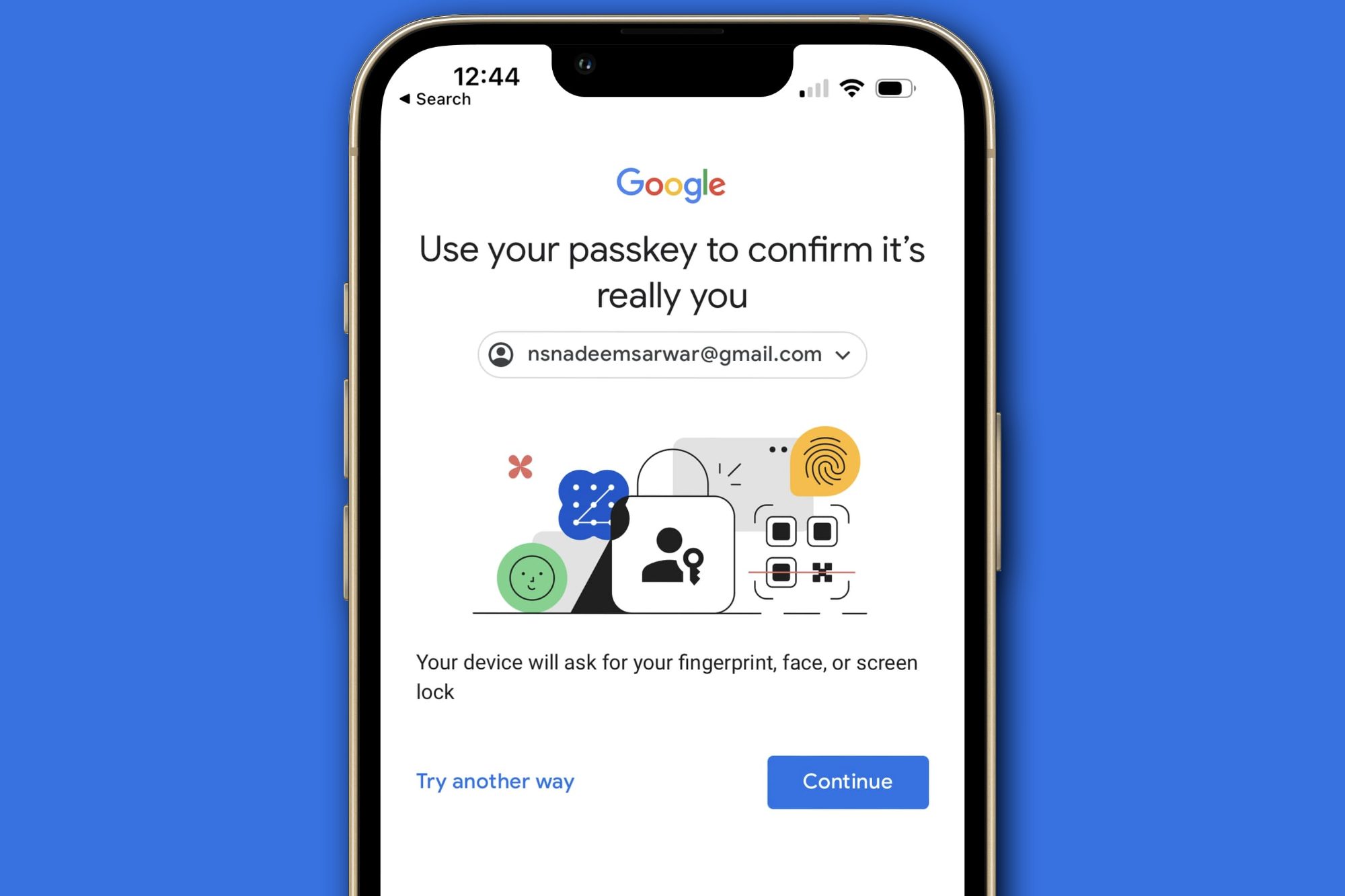
Google account prompt explaining passkeys.

The worst attack steals the keys themselves

The Golden Pass-ta-key technique targets the master secret used to encrypt every passkey synced through a Google account. Researchers initially found that Chrome exposed this secret in plain text through its internal FIDO logs. Google removed it from the logs following disclosure. However, Unit 42 says the key still temporarily appears inside Chrome’s process memory during device registration or recovery. Malware can extract it and decrypt the victim’s synced passkeys.

The stolen master key could reportedly expose existing and future passkeys. Unit 42 adds that Google’s current implementation provides no method to rotate or revoke that secret after it has been compromised. Passkeys remain substantially safer against phishing and password leaks. Google’s documentation still accurately describes those advantages. This research shows that malware already inside your computer can attack the infrastructure surrounding the passkey instead.

Share. Facebook Twitter Pinterest LinkedIn Tumblr Email

Keep Reading

AI models from Anthropic and OpenAI were caught breaking the rules again

Google Drive steps up its video collaboration game with timestamped comments

Motherboards may be the next PC component to get a massive price increase

Chrome wants more extension reviews, but good ratings won’t keep malware out

Samsung announces fix for the Galaxy S26 Ultra’s red tint issue, but it requires a store visit for now

Apple will finally stop making iPhone-to-Windows copy-paste such a chore

DuckDuckGo’s new iPhone feature stops tracking IDs from hitching a ride in shared links

Deepfake bosses are crashing video calls, and researchers are trying to expose them

ChatGPT Pro replaced Gemini Notebook as my favorite research app, and I didn’t see it coming

Editors Picks

Emirates Film Festival honours Gaganpreet Singh for advancing international cinema across the Gulf

August 5, 2026

Google Drive steps up its video collaboration game with timestamped comments

August 5, 2026

مهرجان الإمارات السينمائي يُكرّم غاغانبريت سينغ لإسهاماته في تطوير السينما العالمية في منطقة الخليج

August 5, 2026

Passkeys were pushed as a safer future. Hackers have figured out ways to break those synced to Google

August 5, 2026

Subscribe to News

Get the latest UAE news and updates directly to your inbox.

Latest Posts

Dana Gas Begins 100 MMscf/d Gas Supply to Iraq’s Ministry of Electricity

August 5, 2026

Motherboards may be the next PC component to get a massive price increase

August 5, 2026

Chrome wants more extension reviews, but good ratings won’t keep malware out

August 5, 2026
Facebook X (Twitter) Pinterest TikTok Instagram
© 2026 Daily Guardian UAE. All Rights Reserved.
  • Privacy Policy
  • Terms
  • Advertise
  • Contact

Type above and press Enter to search. Press Esc to cancel.